

Contents
AirPods Receive Major Upgrade: Custom Audio, Enhanced Features, and Siri AI Integration
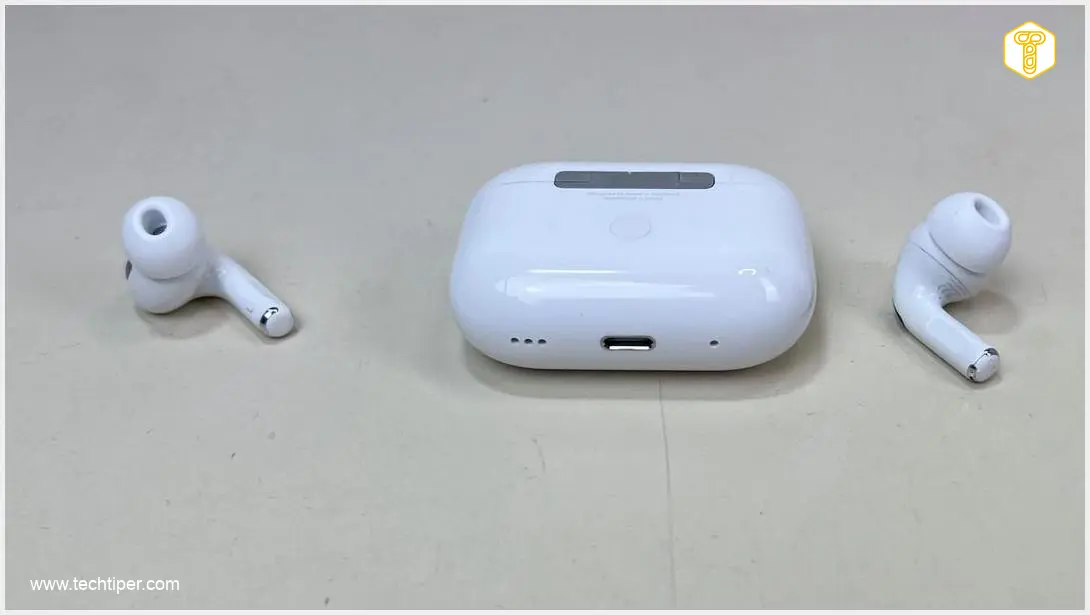
Apple has recently released a significant public beta update for its AirPods lineup, bringing a suite of new functionalities designed to enhance the user experience. Among the most anticipated additions is a long-awaited tone adjustment feature, allowing users unprecedented control over their audio profiles. But this isn’t the only innovation Apple has prepared for its premium wireless earbuds.
Unlocking Your Perfect Sound: The New Graphic Equalizer
The latest beta version, 9.0.314, is now available for several key AirPods models, including the AirPods Pro 3, AirPods Pro 2 (both Lightning and USB-C variants), and the AirPods Max 2, which was introduced earlier this year. This update is a game-changer for audiophiles and casual listeners alike.
The headline feature of this beta update is the introduction of a sophisticated graphic equalizer (EQ). This allows users to fine-tune their listening experience by selecting custom settings for bass, mid-range, or treble directly within the AirPods settings. This level of customization moves beyond standard presets, empowering users to truly personalize their sound.
To ensure optimal adjustment, the system allows users to play a track from Apple Music while making tone adjustments, enabling real-time feedback and precise calibration to individual preferences. A graphic equalizer breaks down audio into different frequency bands, letting you boost or cut specific ranges to achieve your desired sound profile—whether you prefer punchier bass, clearer vocals, or brighter highs.
Beyond EQ: What Else is Coming to AirPods?
The graphic equalizer is just one piece of the puzzle. This beta release also foreshadows several other significant enhancements expected to arrive with future iOS updates (potentially iOS 27), promising a more intuitive and powerful AirPods experience:
- Redesigned Interface: Expect a refreshed and more user-friendly interface for managing AirPods settings and features on your connected devices.
- More Precise Localization: Enhanced Find My capabilities will make it even easier to pinpoint the exact location of misplaced AirPods, offering greater peace of mind.
- Siri AI Integration: Deeper integration with Siri’s AI capabilities promises more intelligent voice commands and seamless interaction, potentially including advanced context awareness and more natural language processing.
How to Access the AirPods Beta Update
Eager users can download the beta software by navigating to the Bluetooth section within their iPhone’s Settings. Here, locate your AirPods and select the “AirPods Beta Updates” option. The new software will then be installed automatically when your paired iPhone is nearby and connected to the internet.
Apple’s Legal Battle with OpenAI: A Separate Development
In other news, Apple has recently made headlines for reasons unrelated to hardware updates. The Cupertino-based tech giant has reportedly filed a lawsuit against OpenAI, the creator of ChatGPT. The core accusation centers on allegations that OpenAI enticed former Apple employees to divulge critical trade secrets from their previous employer, despite having signed Non-Disclosure Agreements (NDAs).
OpenAI has publicly denied these claims, asserting that it has no interest in the trade secrets of other companies. However, reports suggest a different reality, with former Apple Vice President Tang Yew Tan allegedly involved in providing information concerning Apple’s suppliers. Non-Disclosure Agreements are legally binding contracts that prevent individuals from sharing confidential company information, making such allegations a serious matter in the tech industry.
Frequently Asked Questions (FAQ)
The beta update 9.0.314 is available for AirPods Pro 3, AirPods Pro 2 (both Lightning and USB-C models), and AirPods Max 2.

The primary new feature is the introduction of a graphic equalizer (EQ), allowing users to customize bass, mid-range, and treble settings for their audio.
You can access the graphic equalizer settings within the AirPods section of your iPhone’s Settings app. You can also play music through Apple Music to test your preferred settings in real-time during adjustment.
Beyond the graphic equalizer, future updates are expected to bring a redesigned interface, more precise localization capabilities through Find My, and deeper Siri AI integration for enhanced voice commands and interaction.
This lawsuit highlights the critical importance of intellectual property and non-disclosure agreements (NDAs) in the highly competitive technology sector. If proven, the allegations of employee poaching and trade secret disclosure could have significant legal and reputational implications for both companies, emphasizing the lengths companies go to protect their proprietary information and innovation.
Source: 9to5mac. Opening photo: Kamerafreunde / Shutterstock
About Post Author
