

Contents
Minecraft: Java Edition Updates System Requirements After 17 Years – What You Need to Know
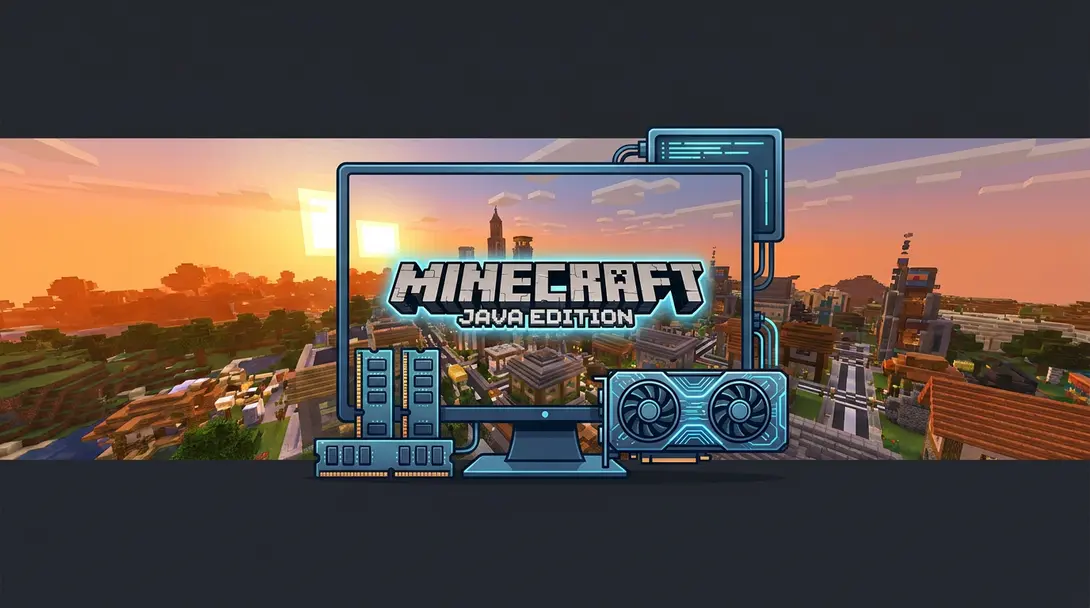
In a significant move for one of its most popular titles, Microsoft has officially updated the system requirements for Minecraft: Java Edition. This marks the first such change in 17 years for the beloved sandbox game, a testament to its enduring legacy under the Xbox Game Studios banner. This adjustment is crucial for both new players and long-time enthusiasts to understand, ensuring a seamless gaming experience as the game continues to evolve.
Let’s delve into the specifics of these new guidelines and explore the rationale behind Microsoft’s decision.
Understanding Minecraft: Java Edition vs. Bedrock Edition
For those new to the world of Minecraft, it’s important to differentiate between the two primary versions available on personal computers. When you purchase Minecraft for PC, you typically gain access to both editions, each offering a distinct experience:
- Minecraft: Java Edition: This version is renowned for its unparalleled freedom and extensive modding capabilities. Players can download and implement a vast array of community-created modifications (mods), custom skins, and texture packs, allowing for highly personalized gameplay. This flexibility, however, also means players can sometimes push the game in unexpected directions.
- Minecraft: Bedrock Edition: Designed with broader accessibility in mind, Bedrock Edition is generally considered more family-friendly and offers seamless cross-platform multiplayer. It’s compatible across a wide range of devices, including PC, Nintendo Switch, PlayStation (PS4/PS5), and Xbox consoles (Xbox Series X|S, Xbox One), making it ideal for playing with friends regardless of their preferred platform.
The updated requirements specifically target the Java Edition, reflecting its unique demands and potential for more complex modifications.
The New System Requirements for Minecraft: Java Edition
The most notable changes concern the game’s memory and graphics processing unit (GPU) demands. Here’s a breakdown of what players now need to ensure a smooth experience:
- Minimum RAM: Minecraft: Java Edition now requires a minimum of 8 GB of RAM to run.
- Recommended RAM: For truly comfortable gameplay and to handle larger worlds or multiple mods, 16 GB of RAM is recommended.
- Minimum Graphics Card: The lowest acceptable graphics card is now the NVIDIA GeForce GTX 950. Released in 2015, this GPU is expected to deliver gameplay at 1080p resolution and a consistent 30 frames per second (FPS).
These specifications indicate a clear shift towards leveraging more modern hardware capabilities. While a GTX 950 might seem dated to some, it represents a baseline for acceptable performance in today’s gaming landscape, especially considering the game’s evolving features and community content. For users looking to upgrade, understanding what desktop computer to buy for gaming or work can be incredibly helpful.
Why the Change? Microsoft’s Rationale
Microsoft’s decision to increase the system requirements isn’t arbitrary; it’s a strategic move to ensure the long-term health and development of Minecraft: Java Edition. As stated on their official blog, which communicated this change:
“Supporting hardware that no longer performs well with the game can limit our ability to introduce new features and improvements.”
This statement underscores a fundamental principle in game development: by moving away from supporting increasingly obsolete hardware, developers gain the freedom to innovate. This allows for the introduction of more sophisticated graphics, complex gameplay mechanics, and larger, more detailed worlds, ultimately enhancing the player experience for the vast majority. It’s an investment in the game’s future, allowing for sustained evolution and ensuring it remains a leading title in the gaming world. Modern gaming laptops, like those discussed in the HP Victus 16 review, are often well-equipped to handle these new demands efficiently.
What This Means for Players
For players currently enjoying Minecraft: Java Edition, particularly on older machines, it’s advisable to check your system specifications against these new requirements. While the game might still run on hardware below the minimums, you may experience performance issues, reduced frame rates, or instability. Ensuring your system meets or exceeds these guidelines will provide the best possible and most stable experience, especially when exploring complex builds or engaging with extensive mod packs.

Frequently Asked Questions (FAQ)
Microsoft updated the requirements to allow for continued innovation and the introduction of new features and improvements to the game. Supporting extremely old hardware can restrict development capabilities, so this change helps ensure a better and more evolving experience for players moving forward.
While your game might still function, meeting the new minimum requirements will ensure a more stable and smoother experience, especially with future updates and community content. If you’re encountering performance issues or plan to use extensive mods, an upgrade to at least 8 GB RAM and a GTX 950-level GPU (or better) is highly recommended for optimal play.
While 8 GB RAM is now the minimum to run Minecraft: Java Edition, 16 GB RAM is recommended for a significantly more comfortable experience. With 16 GB, you’ll notice improved performance in larger worlds, when running multiple mods, or when engaging in resource-intensive activities. It allows for smoother chunk loading, better multitasking, and generally reduces stuttering, providing a more fluid and enjoyable gameplay experience.
Source: Microsoft & Opening photo: sylv1rob1 / Shutterstock
About Post Author
