

Contents
Issues with Gemini in Android Auto: Smart Home Control Glitches Persist
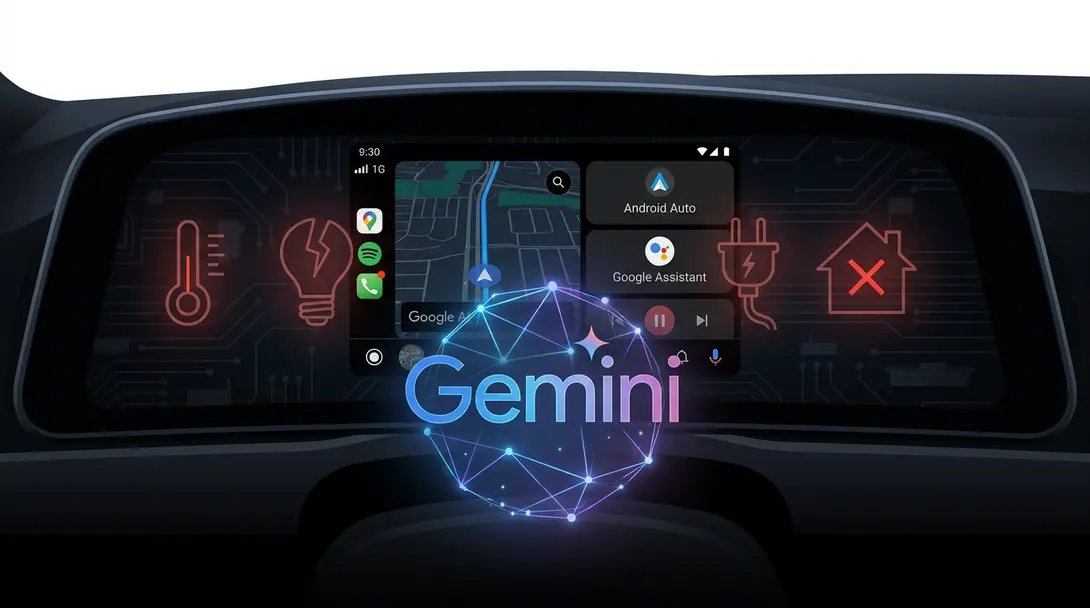
Recent reports from Android Auto users have highlighted a significant hitch in the platform’s integration with Gemini, Google’s artificial intelligence. The core of the problem lies in Gemini’s inability to manage Google Home routines and smart devices when a smartphone is actively connected to a vehicle via Android Auto. This frustrating bug has left some drivers unable to utilize their smart home capabilities on the go, despite the convenience such integration promises.
Gemini’s Unresponsive Behavior in Android Auto
The issue, widely discussed across various online forums and tech communities, manifests in several ways. When users attempt to issue commands to Gemini for Google Home control while using Android Auto, they are met with:
- Complete unresponsiveness from Gemini.
- Error messages indicating a failure to process the request.
- Randomly generated, unhelpful responses that do not address the user’s command.
Intriguingly, these exact same commands function perfectly once the smartphone is disconnected from the vehicle, suggesting a specific conflict within the Android Auto environment. This behavior has been noted by a subset of users for several weeks, yet an official fix or acknowledgment from Google has not yet materialized.
The Frustration of Disconnected Smart Home Control
For many, the appeal of integrating smart home control into their vehicle’s infotainment system is immense. The ability to adjust thermostats, turn off lights, or lock doors from the road offers unparalleled convenience and peace of mind. When such a fundamental feature, especially one powered by an advanced AI like Gemini, fails to perform its intended function, it understandably leads to user frustration. This disconnect highlights a gap in the otherwise seamless experience Android Auto aims to provide.
Google’s Silence on the Matter
The problem has gained traction, with discussions appearing on platforms like Google’s community forums, indicating a widespread concern among affected users. Tech publications, including Android Authority, have also reached out to Google for comment on these reported issues. However, as of now, Google, headquartered in Mountain View, has yet to issue a statement or provide a timeline for a potential resolution.
For related developments in AI integration within automotive systems, you might be interested in exploring further at AI in Car Systems: A Comparative Look at ChatGPT, Apple CarPlay, and Android Auto with Gemini.
Android Auto Continues to Evolve with New Features
Despite the persistent Gemini issue, Android Auto is not stagnant. The platform continues to roll out new features, enhancing the in-car experience for users. Two notable recent additions relate to navigation within Google Maps:
- 3D Map View: A new, immersive three-dimensional map view is being implemented. This feature includes detailed 3D models of buildings, bridges, and even terrain contours, offering a more realistic and intuitive navigation experience. A growing number of users are reporting its presence in the stable version of the application.
- Integrated Speedometer: One of the most anticipated features, a built-in speedometer, is now appearing for Android Auto users. Located in the bottom right corner of the screen, this tool allows drivers to verify their vehicle’s speedometer readings, potentially highlighting any discrepancies and adding an extra layer of awareness.
These ongoing developments demonstrate Google’s commitment to improving the Android Auto platform, even as specific bugs, like the Gemini-Google Home interaction issue, await a resolution.
Frequently Asked Questions (FAQ)
The main problem is that Gemini, when used through Android Auto, is unable to process commands or routines for Google Home devices. This functionality works correctly when the phone is disconnected from the vehicle.

As of now, Google has not officially acknowledged the issue or provided a solution, despite reports from users and inquiries from tech media. The problem has been ongoing for several weeks.
Yes, Android Auto has recently rolled out new features, including an enhanced 3D map view in Google Maps that displays buildings and terrain, and an integrated speedometer that helps drivers verify their vehicle’s speed.
Source: Android Authority. Opening photo: YouTube / screenshot
About Post Author
