

Contents
Elevate Your Browsing: Google Chrome for Android Now Offers Customizable New Tab Backgrounds
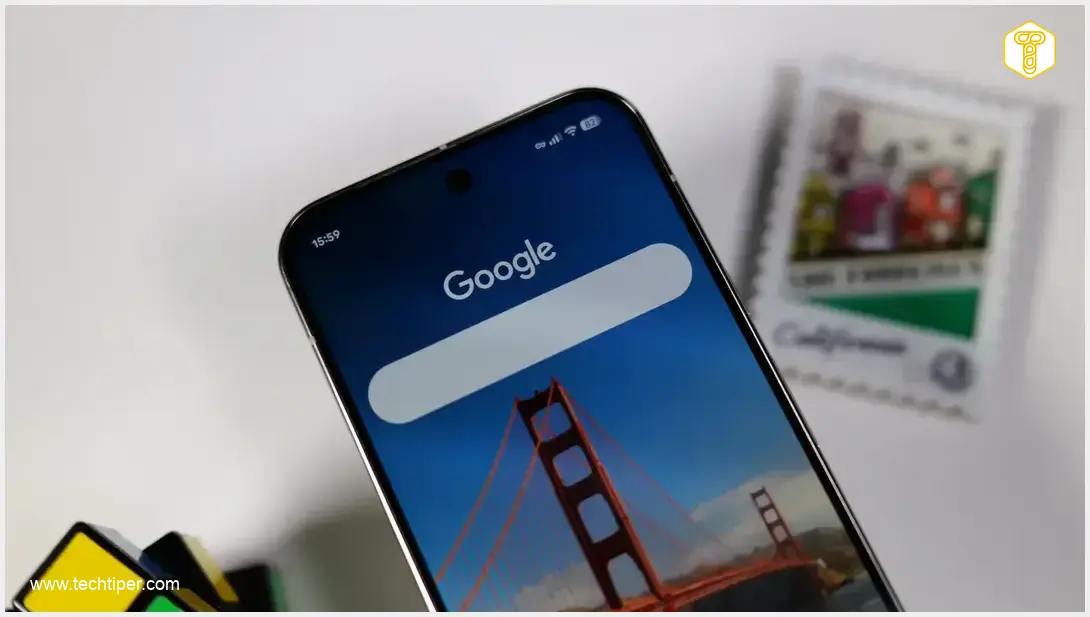
The long-awaited ability to personalize the New Tab page in Google Chrome for Android has finally arrived. Users can now transform their mobile browsing experience by setting custom images or choosing from a variety of pre-designed themes as their New Tab background. This update marks a significant step towards bringing the mobile version of Chrome closer to the rich customization options available on its desktop counterpart.
Personalize Your Chrome Experience
Google, known for frequently introducing new features to Chrome, has rolled out a highly anticipated customization option that has been a staple of the desktop version for years. This update allows for extensive personalization of the New Tab page’s background.
Users gain the flexibility to:
- Upload Personal Photos: Choose any image from their phone’s gallery to set a truly unique background.
- Explore Dynamic Themes: Access diverse collections such as Landscapes, Earth, Architecture, and Patterns. These curated themes offer stunning visuals to refresh your browsing interface.
An exciting aspect of this feature is its dynamic impact: selecting a background doesn’t just change the image; it also subtly influences the color scheme of other interface elements, including the tab switcher screen, ensuring a cohesive and personalized look.
How to Customize Your New Tab Background
Google has begun rolling out this new feature to Chrome for Android users, and it’s expected to reach everyone in the coming days. You’ll likely be notified of the new functionality through a pop-up message immediately after opening the browser. This pop-up provides a direct link to the new personalization settings.
Alternatively, you can access these settings manually:
- Open a new tab in Google Chrome.
- Look for the ‘Customize Chrome’ option, usually located at the bottom of the New Tab page or within the three-dot menu.
- Navigate to the ‘Appearance’ or ‘Background’ section.
Changing your background is exceptionally straightforward. Once in the new settings, you’ll be presented with several options to choose from. It’s worth noting that while these backgrounds offer a fresh look, various user interface elements will overlay the chosen graphic. For instance, while Chrome continuously updates its features to enhance user experience, it’s also crucial to stay informed about potential threats like the Voidstealer malware, which can compromise browsing data.
Why This Update Matters for Mobile Browsing
This update significantly enhances the mobile browsing experience by offering a level of personalization previously reserved for desktop users. It allows individuals to truly make their browser their own, reflecting their style and preferences. Beyond aesthetics, such customization options can contribute to a more engaging and enjoyable digital interaction.
Google’s commitment to regularly updating its services, including anticipating major platform changes like upcoming Android versions, ensures that Chrome remains a leading browser across all platforms. This continuous improvement underscores Google’s focus on user satisfaction and technological advancement.

Frequently Asked Questions (FAQ)
No, Google is gradually rolling out this feature to Chrome for Android. While many users may already have it, it is expected to reach all users in the coming days. You will likely see a pop-up notification within the app once it’s available for you.
You have both options! You can upload any photo from your phone’s memory to set as your New Tab background, giving you complete freedom. Additionally, Google provides various theme collections, such as Landscapes, Earth, Architecture, and Patterns, if you prefer curated options.
Yes, beyond just the New Tab page, your chosen background subtly influences the color scheme of other elements within the Chrome interface, including the tab switcher screen. This creates a more integrated and aesthetically pleasing personalized browsing environment.
The development priorities and technical complexities for mobile platforms can differ significantly from desktop. Mobile operating systems often have unique constraints and design considerations, especially concerning resource management and battery life. While a feature might seem simple, adapting it to perform optimally on a vast array of Android devices with varying specifications can require substantial engineering effort and testing. Google likely prioritized other core functionalities before bringing this aesthetic customization to mobile.
Source: 9to5google. Opening photo: Krzysztof Wilamowski
About Post Author
