

Contents
Google Magnifier: The Hidden Smartphone Tool That Outperforms Your Camera
Sometimes, the most essential tools on our smartphones are the ones we don’t even know exist. Google Magnifier is one such solution. This powerful software leverages your phone’s cameras and, for certain applications, performs significantly better than your device’s default Camera app.
Google Magnifier: A Different Kind of Camera
The Mountain View giant has a well-deserved reputation for excellence in image processing. The camera software on Pixel smartphones, for instance, boasts impressive algorithms and unique features like “Magic Editor.” Google extends this expertise to many of its other tools. Google Lens also utilizes cameras, as do apps like Google Docs, which recently received intelligent scanning capabilities.
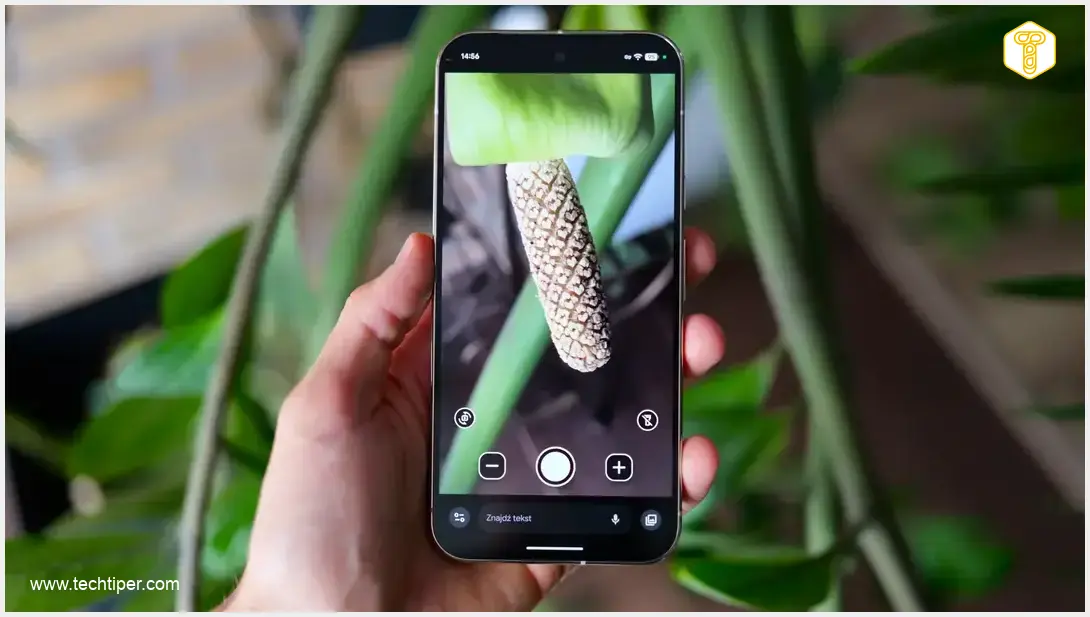
A rather unexpected, yet incredibly useful, addition to this suite is Google Magnifier. This tool is specifically designed to make reading small text easier and to help you discern tiny details. You might initially think Magnifier is just a camera with a different interface, but in practice, the differences are far more substantial.
Magnifier vs. Default Camera: A Detailed Comparison
To illustrate the advantages, I compared Google Magnifier with the default Camera app, focusing on image detail at a significant 6x zoom. For this test, I used a Google Pixel 10 Pro XL smartphone. Here’s what I found:
- Live Preview Quality: The live preview quality in both apps is comparable. However, in the Magnifier app, the ingredients list of an SPF cream appeared more stretched out, making it noticeably easier to read the composition.
- Post-Capture Image Processing: The real divergence occurs after pressing the shutter button. The default Camera app’s algorithms prioritize natural-looking results, so captured images retain shadows and depth. In contrast, Google Magnifier flattens the image and boosts contrast. This processing makes text significantly clearer and more legible, which is its primary purpose.
Magnifier also offers additional flexibility, allowing you to apply filters and adjust zoom levels using plus and minus buttons both before and after taking a “picture.” The software intelligently utilizes all available cameras, so it’s best to select your desired zoom level before hitting the shutter. This ensures your smartphone uses the optimal lens for that magnification, guaranteeing the most detailed image possible.
Google Magnifier’s Undeniable Advantage Over Your Standard Camera
The greatest strength of Google Magnifier, however, lies in a feature you won’t find in a standard camera preview: the ability to search a frozen frame for specific words. After pausing the image, the app can analyze the visible text and instantly highlight the phrases you’re looking for. This functionality showcases Google’s advanced AI capabilities in image and text recognition, akin to the innovative features seen in Google’s live search with AI voice and camera.
Practical Applications of Text Search
This feature has immense practical utility:
- Product Labels: Quickly find a specific ingredient or allergen on a densely printed product label.
- Document Navigation: Locate a specific room number on a long list at a clinic or find a key term in a paper recipe or instruction manual.
This is a piece of software I discovered by chance, but it has certainly become an indispensable tool for everyday tasks.
Frequently Asked Questions (FAQ)
Google Magnifier is a specialized accessibility tool designed to help users read small text and see fine details more easily. Unlike a standard camera app that focuses on capturing natural photos, Magnifier optimizes images by flattening them and increasing contrast, making text highly legible. It also includes unique features like real-time text search within a frozen frame.

Google Magnifier is often pre-installed or readily available as part of Google’s suite of accessibility tools on many Android devices, especially Pixel phones. If it’s not pre-installed, you can usually find it by searching for “Magnifier” or “Accessibility” settings on your device, or by checking the Google Play Store for Google’s official accessibility apps.
While Google Magnifier allows you to “capture” a frame (essentially taking a screenshot within the app’s context to analyze), its primary function is real-time magnification and text identification. The app doesn’t typically save these enhanced views to your gallery in the same way a standard camera app does, nor does it offer direct export of highlighted text. You would generally need to take a separate screenshot if you wanted to save the magnified view.
The text search feature in Google Magnifier uses on-device AI to recognize text within a paused camera frame. You can then type in a word or phrase, and the app will highlight its occurrences. While highly effective for labels, documents, and lists, its accuracy can be affected by poor lighting, highly stylized fonts, or text that is severely distorted or obscured. It performs best with clear, well-lit, standard text.
Source: Own work. Opening photo: Krzysztof Wilamowski
About Post Author
