

Contents
Is Your Air Humidifier Killing Your Wi-Fi Speed? The Surprising Truth
An active air humidifier might seem like the last gadget you’d suspect of slowing down your home Wi-Fi network. However, we’ve encountered this claim far too often to simply ignore it. As part of our “TechBusters” series, we decided to put this intriguing myth to the test.
Testing the Humidifier-Internet Connection: Our Measurements
To investigate this, our dedicated myth-buster immediately got to work. After previously debunking the myth that placing a coin on your router does nothing, we anticipated that the humidifier test would be equally straightforward, allowing us to debunk yet another common misconception.
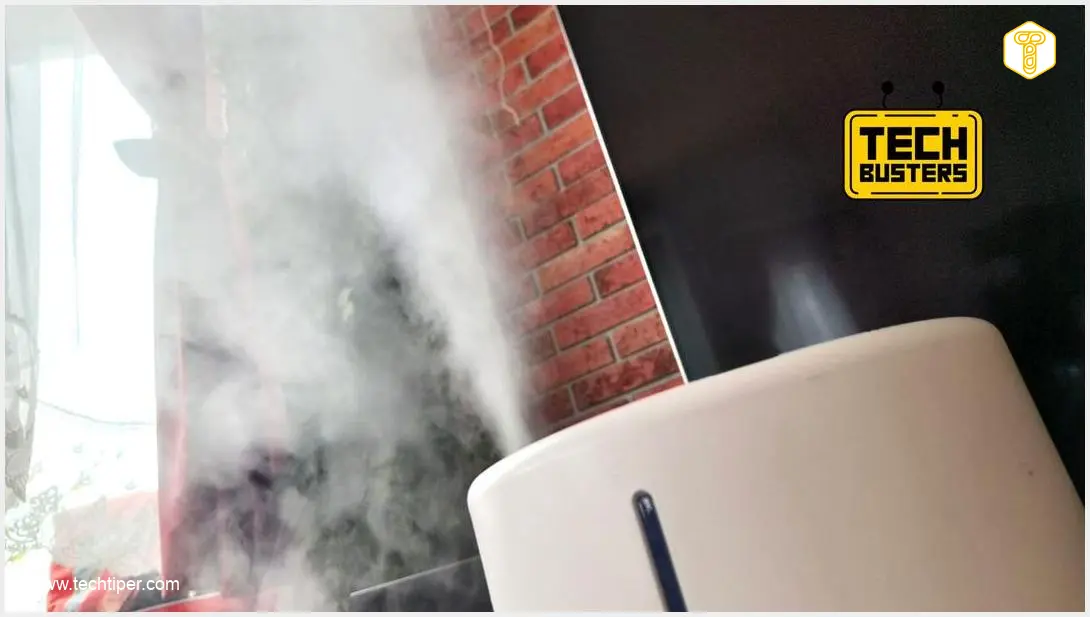
We placed a Wi-Fi router and an air humidifier side-by-side. The specific model used in our test was the Xiaomi Mi Smart Antibacterial Humidifier. First, we conducted baseline measurements on our home 5 GHz Wi-Fi network, which showed download speeds of approximately 650 Mbps. Next, we activated the humidifier at 100% power, waited for it to take effect, and performed another series of measurements. The result was surprising, to say the least.
Our measurements clearly indicated that humidified air significantly weakens the signal quality transmitted by the router. At its peak, it managed to reduce internet speeds by up to 100 Mbps, while also introducing increased latency, sometimes up to 12 ms. We also observed smaller but noticeable drops, around 50 Mbps. This occurred despite the humidifier itself communicating with its app exclusively via the 2.4 GHz Wi-Fi network.
The Science Behind the Slowdown: Why Humidifiers Affect Wi-Fi
The explanation for this phenomenon is, surprisingly, not black magic. Moisture is highly effective at absorbing radio waves, and both 2.4 GHz and 5 GHz home Wi-Fi networks rely on these very waves.
A drop in fiber optic internet speed of 100 Mbps might not be something that would annoy you during daily office work. You probably wouldn’t even notice it. However, it’s an entirely different story if you’re playing a demanding online game. In such a scenario, the increased latency alone could significantly impact your gameplay performance.
It’s important to note that our described test represented an extreme situation. As long as you position your Wi-Fi router a reasonable distance from your air humidifier, you shouldn’t experience significant slowdowns. Interestingly, the device’s own manual typically doesn’t mention such a potential conflict.
Optimizing Your Home Network: Tips for Better Wi-Fi Performance
Understanding how a humidifier can impact your Wi-Fi is just the first step. Here are some actionable tips to ensure your home network remains robust and fast:
- Optimal Router Placement: Always place your Wi-Fi router in a central location, away from obstructions and, crucially, away from appliances that emit moisture or electromagnetic interference. Elevating it can also help improve signal propagation.
- Distance from Humidifiers: Based on our findings, maintaining a significant distance between your router and humidifier is paramount. The further apart they are, the less likely moisture will interfere with your signal.
- Consider Dual-Band or Mesh Systems: If your router supports both 2.4 GHz and 5 GHz bands, ensure your devices are connecting to the optimal one. For larger homes or persistent signal issues, a mesh Wi-Fi system can provide more consistent coverage by creating multiple access points.
- Check for Other Interference: Many household devices can interfere with Wi-Fi, including cordless phones, microwaves, and even old fluorescent lights. Try to identify and move potential interferers away from your router.
- Upgrade Your Access Points: For outdoor areas or specific zones with weak signals, consider dedicated access points. For instance, exploring options like the TP-Link EAP610 Outdoor access point might be beneficial for extending reliable network coverage.
Frequently Asked Questions (FAQ)
While our test used a specific model, the principle of moisture absorbing radio waves applies to all types of humidifiers. Ultrasonic and evaporative humidifiers both introduce moisture into the air, which can, to varying degrees, interfere with Wi-Fi signals. The extent of interference depends on the humidifier’s power, proximity to the router, and the overall humidity level in the room.

While there’s no universally “ideal” distance, our findings suggest that keeping them as far apart as reasonably possible is best. Aim for at least 5-10 feet (1.5-3 meters) to minimize potential signal degradation. The more direct line-of-sight you can achieve without significant moisture vapor in between, the better your Wi-Fi performance will be.
Yes, it does. While moisture affects both 2.4 GHz and 5 GHz bands, 5 GHz signals are generally more susceptible to absorption and obstruction because their shorter wavelengths are less capable of penetrating solid objects and environmental factors like humidity. However, 2.4 GHz, while more robust against physical obstacles, can still be affected, and its performance can be degraded by moisture absorption and general signal clutter.
If moving your humidifier isn’t an option, consider these steps:
- Adjust Humidifier Settings: Run the humidifier at lower power settings or for shorter durations when Wi-Fi speed is critical (e.g., during online gaming or video calls).
- Use a Wi-Fi Analyzer App: Apps can help you visualize signal strength and interference, allowing you to find the least affected spot for your router or devices.
- Optimize Router Orientation: Sometimes, simply rotating your router can improve signal direction and reduce interference.
- Upgrade Your Router: Newer routers with beamforming technology can focus signals towards connected devices, potentially mitigating some interference.
- Consider a Wired Connection: For critical devices like gaming consoles or work computers, a direct Ethernet connection will bypass Wi-Fi interference entirely.
Source: Own work. Opening photo: Krzysztof Rojek.
About Post Author
