

Contents
Google’s May Pixel Update: Key Fixes and the Persistent Battery Drain Issue
Google has officially announced the rollout of its May software update dedicated to Pixel smartphones. While the latest patch brings essential improvements to the camera, display, and charging capabilities, it falls short in one crucial area. Unfortunately, it does not resolve the long-standing battery drain problems that have plagued users for months. For many Pixel owners, this means continuing to arm themselves with patience.
Not What Users Were Expecting
In the early days of May, the American tech giant began rolling out its monthly software update for the Google Pixel lineup. This patch will reach all eligible devices running Android 16, with the deployment happening gradually over the coming weeks. Many users are eagerly anticipating the new software, especially those looking forward to the transit mode feature drop in Android 16.
However, despite the exciting new features and system enhancements, the community’s primary concern remains largely unaddressed, leaving many loyal users frustrated.
What Fixes Can We Expect?
The May update prioritizes several annoying bugs that have disrupted the user experience on recent devices, particularly the Pixel 10 series. Key improvements include:
- Camera Stability: Resolves a critical bug where the camera application would randomly freeze while recording high-resolution video.
- Display Glitches: Fixes a mysterious white dot and visual static noise appearing at the top of the screen on the Pixel 10 series, a welcome relief following the unresolved March update display issues.
- Optimized Charging: Accelerates wireless charging speeds, specifically optimizing the charging curve when the battery capacity hovers around the 80% mark.
The Ongoing Battery Drain Dilemma
Recently, owners of smartphones from the Mountain View company have been grappling primarily with one major issue: abnormally fast battery depletion. Even when devices are idling or performing basic tasks, the battery percentage drops at an alarming rate.
This critical thread was completely ignored in the May patch, which has sparked significant dissatisfaction, particularly among tech communities on platforms like Reddit. It is important to emphasize that Google is fully aware of the problem; however, the engineering team has yet to finalize a permanent solution.
How to Deal with Fast Battery Drain
If you are among the users affected by this frustrating flaw and are unsure of how to manage it while waiting for an official fix, there is a silver lining. Tech experts and community members have tested various workarounds and identified effective ways to minimize the negative impact on your device’s daily endurance.
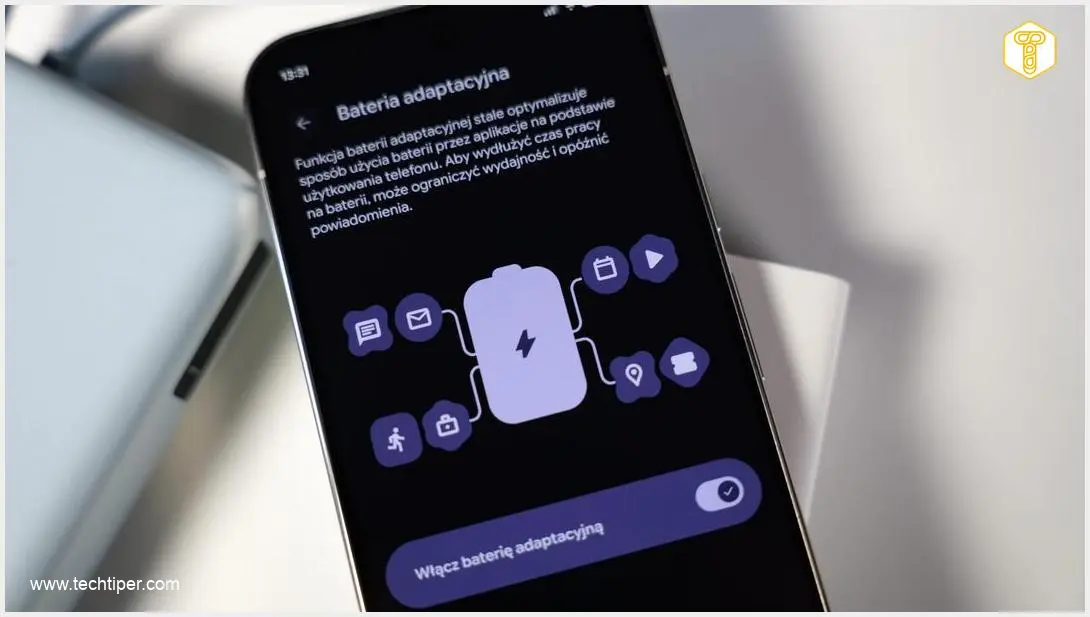
To slow down the rapid battery drain, your first step should be to enable the Adaptive Battery mode. This intelligent feature utilizes on-device machine learning models to study your usage patterns and prioritize background processes accordingly.
In simpler terms, after conducting a thorough analysis of your habits, the Android system automatically restricts battery and CPU access for resource-heavy applications that you rarely use. This ensures that power is reserved only for the apps you genuinely need throughout the day.

Frequently Asked Questions (FAQ)
Why is my Google Pixel battery draining so fast after recent updates?
Fast battery drain on recent Google Pixel updates is often caused by unoptimized background processes and system bugs that prevent the processor from entering deep sleep mode. While Google is aware of the issue, a definitive software patch has not yet been released.
Does the May update fix the camera freezing issue on the Pixel 10?
Yes, the May software update specifically addresses and resolves the bug that caused the camera application to freeze or crash during video recording on the Google Pixel 10 series.
How does the Adaptive Battery feature work on Google Pixel?
Adaptive Battery uses machine learning to learn your daily app usage habits. It limits background activity and system resources for apps you don’t use often, redirecting power to your most frequently used applications to extend overall battery life.
Source: Google Support & Opening photo: Krzysztof Wilamowski
About Post Author
