

Contents
Google’s May Update Revolutionizes Car Access and App Discovery
The latest May update to Google’s system services introduces several pivotal improvements, significantly enhancing the functionality of key applications such as Google Wallet and the Google Play Store.
Unlock New Possibilities with Google Wallet Car Key Sharing
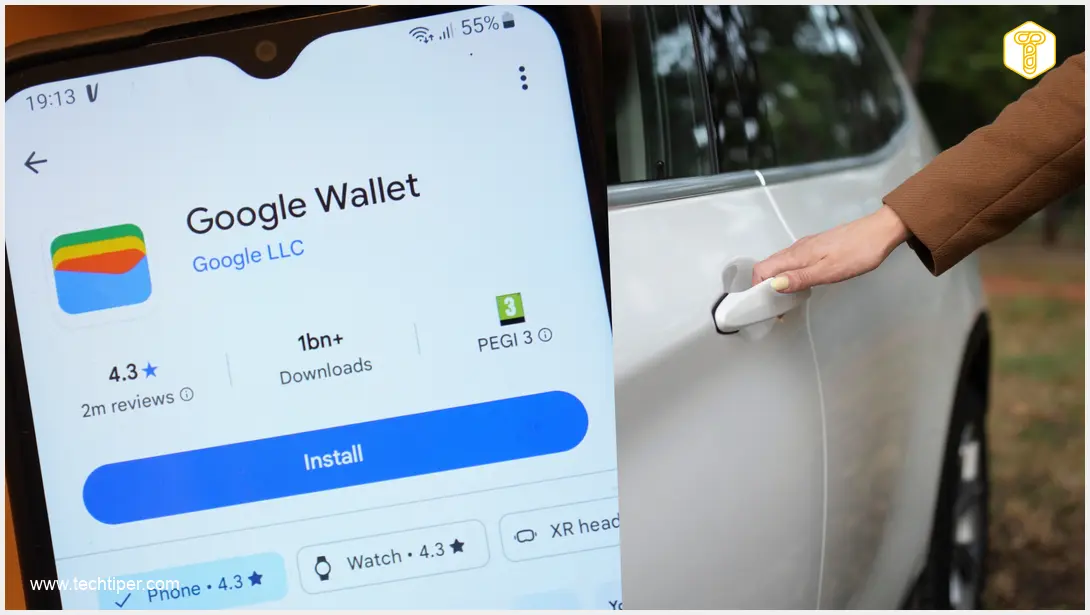
Google has rolled out its May system update, impacting many of the tech giant’s proprietary applications. Among these, Google Wallet receives a particularly exciting new feature related to digital car keys: the ability to share them with other individuals.
Seamlessly Share Your Digital Car Keys
This innovative feature introduces three distinct roles for sharing: **co-owner**, **guest**, and **service**. The first two roles are designed for trusted individuals like friends and family members, offering flexible access to your vehicle. The “service” option is ideal for situations such as car repairs at a mechanic, ensuring limited but necessary access.
How to Share Your Car Key: A Step-by-Step Guide
Accessing this new functionality is straightforward:
1. **Open Google Wallet:** Navigate to the Google Wallet application on your smartphone.
2. **Select Your Digital Key:** Choose the digital car key you wish to share.
3. **Initiate Sharing:** Tap on the “Share Car Key” option.
4. **Authenticate:** Confirm your identity, typically using a fingerprint scan.
5. **Choose a Contact:** Select one of your contacts to share the key with.
Advanced Sharing Controls for Enhanced Security
An impressive aspect of this sharing capability is the level of control it offers. You can restrict the shared access by setting parameters such as a speed limit for the vehicle or even limiting the audio system’s volume. This ensures you maintain control even when someone else is using your car.
To verify if this update is available on your device, go to Google Services, then sequentially select: All Services, Privacy & Security, and finally System Services.
Significant Transformations in the Google Play Store
Substantial changes are also rolling out to the mobile Google Play Store. One of the most notable improvements is the significantly increased amount of content displayed on the homepage, especially for users with larger screens such as tablets and foldable smartphones.
AI-Powered Discovery and Recommendations
Beyond visual enhancements, the Play Store is undergoing a comprehensive overhaul driven by artificial intelligence. This includes features like “Ask Play,” an overlay designed to simplify the search for specific applications or games. This intelligent assistant aims to streamline your app discovery experience.

Recommendations within the Play Store are also being refined and will now be powered by the advanced Gemini algorithm. These improvements primarily focus on apps and games, but Google plans to expand this to include up to 450,000 movies, TV shows, and even sports broadcasts in the future. For more insights into Google’s AI developments, explore how to get the most out of Google Gemini’s quick access updates and understand Google Gemini’s memory import feature.
Frequently Asked Questions (FAQ)
What types of vehicles are compatible with Google Wallet’s digital car key sharing?
Google Wallet’s digital car key feature, including sharing, is compatible with select car models from participating manufacturers that support UWB (Ultra-Wideband) or NFC technology for digital keys. Users should check with their vehicle manufacturer and Google’s official support pages for an up-to-date list of supported cars.
How does the “service” role for car key sharing differ from “co-owner” or “guest”?
The “service” role is designed for temporary, limited access, typically for professionals like mechanics. It allows you to grant specific, often restricted, access to your vehicle’s functions without providing full ownership or long-term guest privileges. This contrasts with “co-owner” or “guest” roles which usually offer broader access suitable for trusted friends or family members over a longer period.
Will the “Ask Play” feature require a specific type of device or Android version?
While specific requirements haven’t been detailed, new AI-driven features like “Ask Play” often roll out gradually and may initially require newer Android versions or devices with sufficient processing power to handle AI tasks. Users should ensure their Google Play Store app is updated to the latest version to access new features as they become available.
Source: Android Authority. Opening photo: Gemini
About Post Author
