

Contents
Samsung One UI 9 Beta with Android 17 Arrives for Galaxy S26 Series
After months of anticipation, a significant day has arrived for Samsung users worldwide. The latest generation of the Korean giant’s smartphones is set to receive the One UI 9 beta update today, May 26, 2026. This highly anticipated software rollout is expected to simultaneously reach several key international markets.
A Highly Anticipated Update for Samsung Flagships
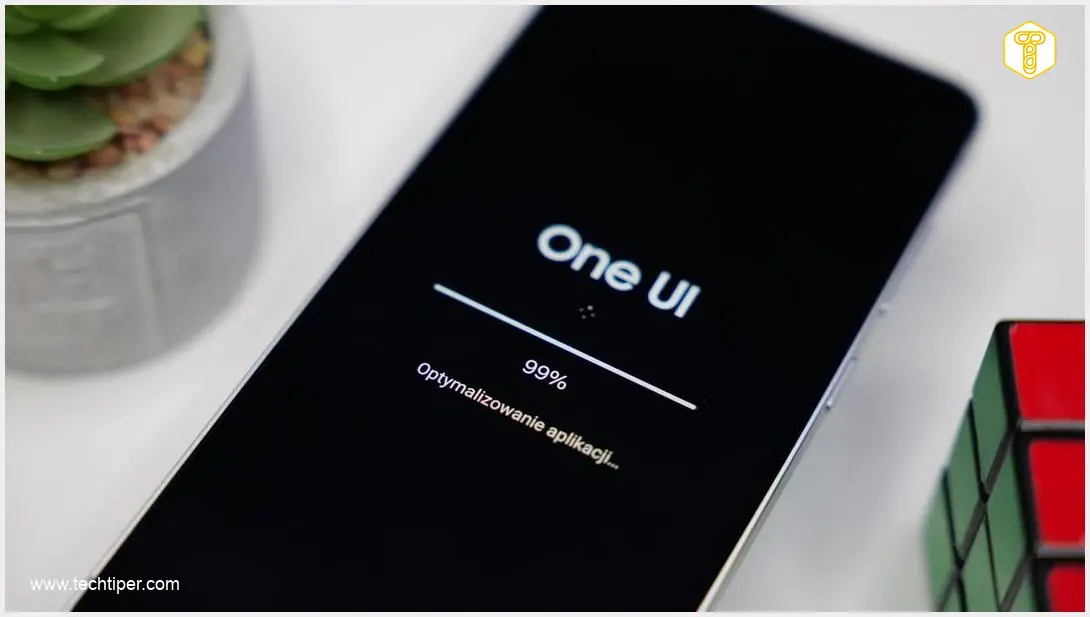
Today marks the release of the long-awaited One UI 9 beta software update for Samsung smartphones. This new iteration of Samsung’s custom user interface is primarily focused on a seamless integration with the upcoming Android 17 operating system, promising a more cohesive and efficient user experience.
The initial wave of this beta update is specifically targeting owners of Samsung’s top-tier devices: the Galaxy S26, Galaxy S26+, and Galaxy S26 Ultra. Alongside Poland, other countries slated to receive the new One UI beta today include:
- United States
- United Kingdom
- Germany
- India
Diving Into One UI 9 and Android 17
While the One UI 9 beta introduces new functionalities, its core focus is on optimization and integration with Android 17. Both One UI 9 and Android 17 are moving beyond purely visual overhauls, prioritizing significant improvements in overall software performance and security. For a deeper dive into the ongoing development and what these updates mean for the Galaxy S26 series, you can explore more about Samsung One UI 9 and Android 17 development for Galaxy S26 Ultra.
Enhanced Performance and User Experience
Users can look forward to a noticeably smoother operational experience across various applications. Specific enhancements are expected in:
- Multimedia Playback: A more fluid and responsive experience when consuming media.
- Camera Performance: Improved responsiveness, especially when switching between photo and video modes, ensuring you capture moments without delay.
Introducing Advanced Security with App Lock
On the security front, Android 17 brings a noteworthy feature called App Lock. This functionality, once enabled with user consent, will require a PIN or fingerprint authentication to access protected applications. This adds an extra layer of privacy and security for sensitive apps on your device. For more comprehensive insights into the potential new features and capabilities of One UI 9, including multi-window functionality and AI integrations, see our article on What’s new in One UI 9: Multi-Window, AI, Cross-Device.
How to Join the One UI 9 Beta Program
If you own one of the eligible Galaxy S26 series devices and are in a supported region, participating in the beta program is straightforward:
- Download the Samsung Members App: Ensure you have the official Samsung Members application installed on your smartphone.
- Enroll in Beta Testing: Within the Samsung Members app, navigate to the beta program section and register for the One UI 9 beta.
- Download the Update: After successfully registering, the option to download the beta update should appear within the app within the next few hours.
Please remember that beta software can sometimes have bugs or instability, so proceed with caution.
Frequently Asked Questions (FAQ)
Which Samsung phones are eligible for the One UI 9 beta?

The initial One UI 9 beta update is available for the Samsung Galaxy S26, Galaxy S26+, and Galaxy S26 Ultra.
What is the main focus of One UI 9 and Android 17 in this beta?
The primary focus is on deeper integration between One UI 9 and Android 17, leading to improved overall software performance and enhanced security features, rather than significant visual changes.
What is the App Lock feature in Android 17?
App Lock is a new security feature that requires a PIN or fingerprint authentication to access specific applications, providing an extra layer of privacy for your data.
How stable is beta software, and should I install it on my primary device?
Beta software is pre-release software and may contain bugs, performance issues, or instability. While it offers a sneak peek at upcoming features, it is generally recommended to install beta software on a secondary device rather than your primary one to avoid potential disruptions.
Source: Self-developed content.
Opening photo: Krzysztof Wilamowski
About Post Author
