

Contents
Does Your Humidifier Secretly Sabotage Your Wi-Fi? Our Investigation Reveals the Truth
An active humidifier might seem like the last gadget you’d suspect of slowing down your home Wi-Fi network. However, we’ve encountered this information too often to simply ignore it. As part of our “TechBusters” series, we decided to put this myth to the test.
Humidifier vs. Home Internet Performance: The Measurements
To investigate, our resident myth-buster immediately got to work. After previously proving that placing a coin on a router does nothing to improve performance, we expected to easily debunk this humidifier myth as well.
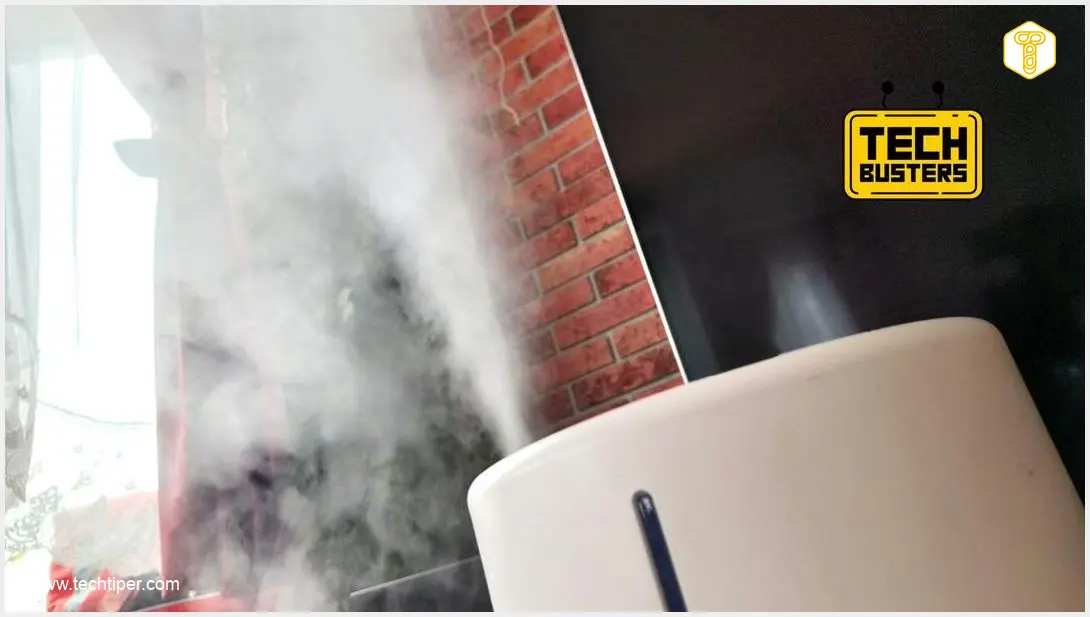
We placed a Wi-Fi router and an active humidifier side by side. Initial control measurements on our home 5 GHz Wi-Fi network showed a download speed of approximately 650 Mbps. Next, we activated the humidifier at 100% power, waited a moment for its effects to stabilize, and then conducted another series of measurements. The results were, frankly, astonishing.
The measurements indicated that the humidified air weakened the quality of the signal transmitted by the router. At its peak, it managed to reduce the internet speed by as much as 100 Mbps, additionally causing increased latency, up to 12 ms. Smaller drops, around 50 Mbps, were also observed. This occurred despite the fact that the humidifier itself communicates with its app exclusively via the 2.4 GHz Wi-Fi network.
If you’re looking for other ways to boost your network, consider learning how to turn an old phone into a Wi-Fi hotspot extender.
Why Does a Humidifier Degrade Wi-Fi Signal Quality?
The explanation for this phenomenon is surprisingly not “black magic.” Moisture is highly effective at absorbing radio waves, and both 2.4 GHz and 5 GHz home Wi-Fi networks rely on these waves. When the air becomes saturated with water vapor from a humidifier, it essentially creates a barrier that can attenuate or weaken the Wi-Fi signal as it travels from your router to your devices.
A drop in internet speed of 100 Mbps might not be something that would particularly irritate someone during daily office work; you probably wouldn’t even notice it. However, it’s a different story if you’re engaged in a demanding online game. In such a scenario, even a slight increase in latency could significantly impact gameplay and your overall experience. For better management of your network and devices, you might be interested in updates like Google Android Wi-Fi password sync updates.
It’s important to note that the described test was an extreme situation. As long as you place your Wi-Fi router a reasonable distance from your humidifier, significant slowdowns should not be a concern. Interestingly, the device manuals typically do not mention such a potential conflict.
Frequently Asked Questions (FAQ)
While our tests showed significant interference in extreme close-proximity scenarios, keeping your Wi-Fi router and humidifier in separate rooms or at least several meters apart should generally prevent noticeable signal degradation. The key is to minimize the amount of humid air directly between your router and your devices.

The primary cause of interference is the water vapor released by the humidifier, which absorbs radio waves. Therefore, any humidifier that generates a significant amount of mist or humidity has the potential to affect Wi-Fi signals. Our test used a specific model, but the principle applies broadly to most active humidifiers, regardless of brand or type (ultrasonic, evaporative, etc.), that introduce moisture into the air.
Yes, many common household items can interfere with Wi-Fi signals. These include microwave ovens (especially on the 2.4 GHz band), cordless phones, Bluetooth devices, thick walls, large metal objects, and even certain types of lighting. Understanding these potential sources of interference can help you optimize your Wi-Fi setup for better performance.
Source: Self-developed & Opening photo: Krzysztof Rojek
About Post Author
