

Contents
Samsung’s Home Up Module Receives Critical Update, Fixing Annoying Layout Bug
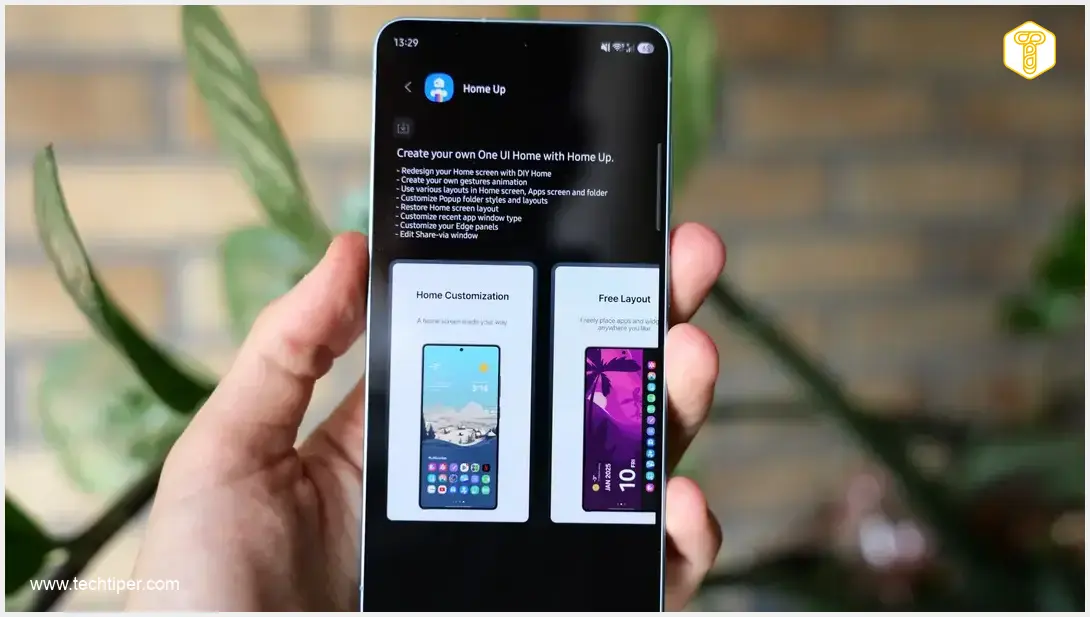
Samsung has rolled out a vital update for its popular Home Up module, a key component of the advanced personalization suite, Good Lock. This latest software release targets and eliminates a frustrating bug that has been impacting users who customize their home screen layouts, ensuring a more stable and reliable experience.
What is Samsung Good Lock and Home Up?
For those unfamiliar, Samsung Good Lock is an official customization hub that offers a powerful suite of modules to deeply personalize your Galaxy device’s user interface. It goes beyond standard settings, allowing users to tweak everything from the lock screen to the notification panel and even system animations.
Home Up is one of Good Lock’s most used modules, designed specifically for advanced modifications of your:
- Home screen layout
- App drawer organization
- Recent tasks view
Crucially, Home Up provides a “Do It Yourself” (DIY) mode, empowering users to meticulously personalize their desktop layouts. It’s this specific feature that was central to the recently resolved issue.
Addressing a Persistent Customization Bug
Prior to this update, users leveraging Home Up’s DIY mode to customize their home screens frequently encountered an irritating positioning bug. After painstakingly arranging icons and widgets, these elements would often fail to retain their designated spots. Instead, they would unexpectedly shift or misalign after saving changes or reloading the device’s interface. This meant a constant battle for users trying to maintain their perfect personalized setup.
The new build, version 18.0.00.32, directly targets and rectifies these positioning inaccuracies. Reports indicate that this update successfully resolves the bug on Samsung devices running on the latest versions of One UI, including those being prepared for upcoming major updates like One UI 9.0 and future flagship models.
How to Update Home Up
Keeping your Home Up module updated is straightforward and essential for enjoying the latest features and bug fixes. To get the new build:
- Open the Galaxy Store application on your Samsung device.
- Navigate to the Menu tab (usually found by tapping the three horizontal lines or your profile icon).
- Select the Updates section.
- You can then choose to tap Update All to update all pending applications, or manually locate the Home Up module in the list and update it individually.
It’s always recommended to keep your device’s software and applications up to date to ensure optimal performance, security, and access to the latest enhancements.
Frequently Asked Questions (FAQ)
The Home Up module, part of Samsung’s Good Lock suite, allows for advanced customization of your device’s home screen, app drawer, and recent tasks view, giving users detailed control over their interface layout.

The update, version 18.0.00.32, resolves an annoying bug where customized icons and widgets would shift or misalign on the home screen after saving changes or reloading the interface in DIY mode.
Good Lock is primarily available for most newer Samsung Galaxy smartphones and tablets running recent versions of One UI. Availability can vary by region and device model. You can check the Galaxy Store on your device to see if it’s supported.
Source: Sammobile
Opening photo: Krzysztof Wilamowski
About Post Author
