

Contents

WhatsApp Introduces Chat Bubbles for Seamless Multitasking on Android
WhatsApp is introducing another significant change to how notifications are handled on Android smartphones. The popular messaging application, owned by Meta, is currently testing a “chat bubbles” feature. This enhancement will allow users to read and reply to incoming messages without needing to open the main application window, significantly improving the multitasking experience.

What Are WhatsApp Notification Bubbles and How Do They Work?
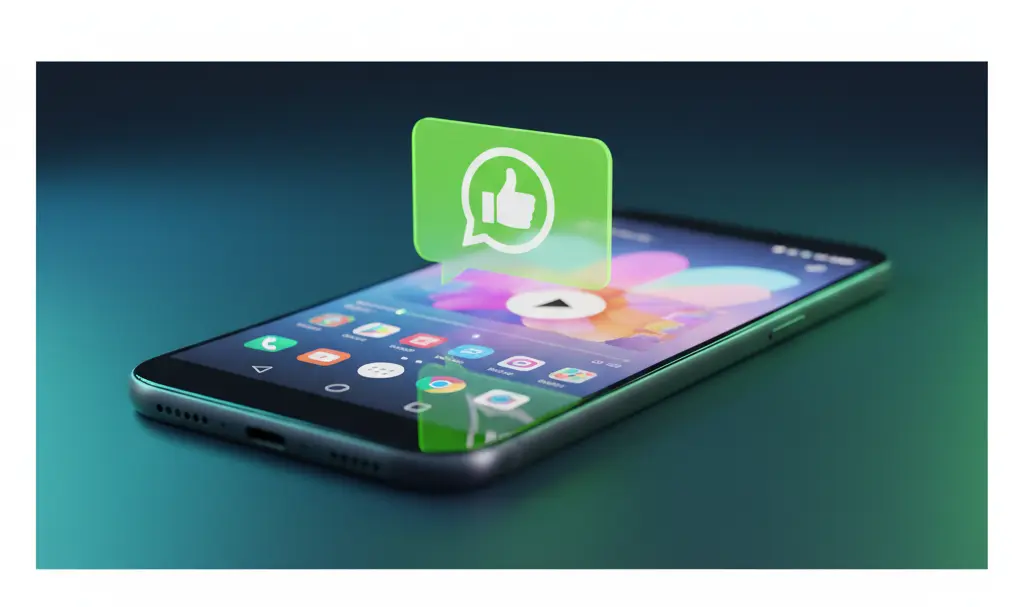
Notification bubbles are floating, interactive panels that appear on your screen whenever a new message arrives. They remain visible regardless of whether you are on your device’s home screen or actively using another application. For WhatsApp, these bubbles will display the sender’s profile picture—or the group chat image—along with a small application icon to indicate the source of the notification.
Tapping the floating bubble instantly expands it into a compact, minimized view of the WhatsApp chat. This allows you to:
- Read the full context of the new message.
- Type and send a reply immediately.
- Dismiss the chat without ever launching the full-screen WhatsApp application.
If you prefer a clean screen, the feature is fully customizable, meaning users can easily disable it if they find floating icons distracting.
Non-Intrusive Notifications Designed for Power Users
The primary advantage of notification bubbles is the ability to maintain conversations without interrupting your current digital activity. For instance, if you are watching a video or playing a mobile game, you can quickly tap the bubble, reply to a message, and return right back to your media without losing your place.
This functionality is particularly valuable for users who juggle multiple active conversations at once. It streamlines communication directly from your current screen. WhatsApp is constantly evolving to make user management easier, much like the recent WhatsApp massive update bringing new AI, storage, and chat transfer features.
Catching Up with Native Android Features
It is worth noting that Meta’s sister application, Facebook Messenger, has successfully utilized a nearly identical mechanism (Chat Heads) for years. In this regard, WhatsApp is adopting a proven concept to enhance its user interface. Furthermore, the underlying technology for these bubbles relies on native features introduced to the Android operating system back in Android 10.
Because the functionality is deeply tied to the Android OS, its performance will depend on your specific system settings. Users will need to ensure that their device settings allow applications to “display over other apps” or explicitly enable bubble notifications in their system preferences.
For users who rely heavily on messaging across different devices and platforms, this is a welcome UI improvement. If you are interested in broader ecosystem updates, you might also want to explore the WhatsApp Apple CarPlay integration and video streaming capabilities.
When Will the Chat Bubbles Feature Be Available?
Currently, WhatsApp notification bubbles are in the active development phase and are not yet available, even to public beta testers. Following the conclusion of internal testing, Meta plans to roll out the feature gradually.
The typical release pipeline involves rolling the feature out to a select group of beta program participants first. After gathering feedback and resolving potential bugs, it will be distributed to the broader public. While there is no exact release date for the global Android rollout, historical update rhythms suggest it usually takes a few weeks from the initial beta appearance to a stable public release.
Frequently Asked Questions (FAQ)
Will WhatsApp chat bubbles consume more battery life or RAM on my Android device?
Because WhatsApp chat bubbles utilize the native Bubble API introduced in Android 10, they are generally optimized by the operating system. While keeping multiple chat bubbles open over other apps does require a small amount of additional RAM, the impact on modern smartphone battery life and performance should be minimal.
Can I disable the WhatsApp chat bubbles if I find them distracting?
Yes, you will have full control over this feature. You can disable chat bubbles globally through your Android device’s notification settings, or manage them directly within the WhatsApp application settings to ensure your screen remains clutter-free.
Why is WhatsApp only getting this feature now when Facebook Messenger has had it for years?
While Meta owns both apps, they operate on different codebases and prioritize different user experiences. Messenger was built around the “Chat Heads” concept early on. WhatsApp has historically focused on a lightweight, minimalist interface, but as user demand for robust multitasking tools has grown, Meta is now integrating the native Android bubble support into WhatsApp.
Source: WABetaInfo & Gemini | Opening photo: Gemini
About Post Author
