

Contents
Free Picture-in-Picture Mode Arrives on YouTube for Everyone
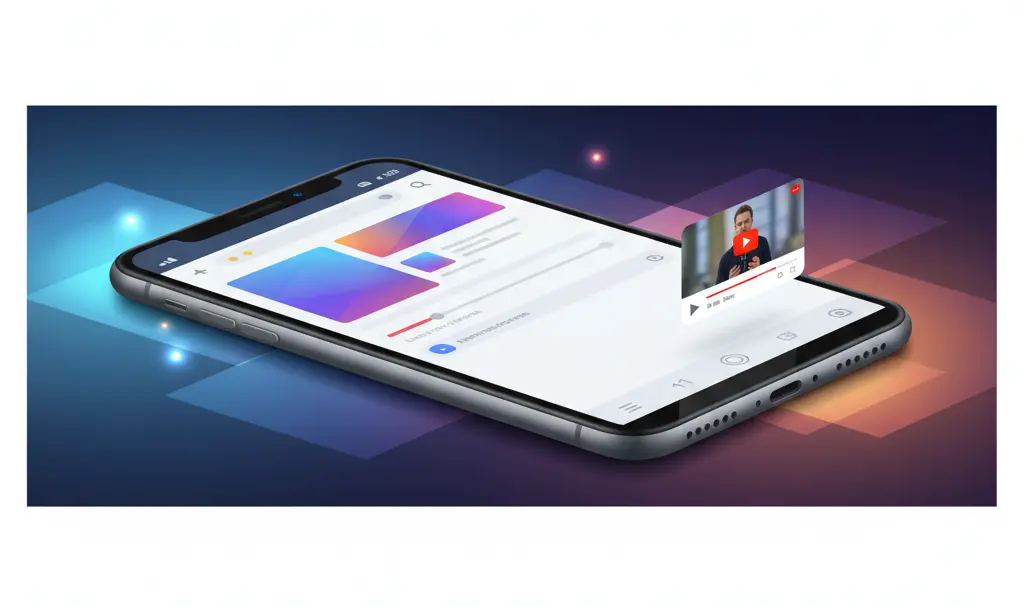
In a surprising and highly welcomed twist, YouTube has decided to offer its Picture-in-Picture (PiP) mode to all users for free. Previously, this highly coveted capability was locked exclusively behind the YouTube Premium paywall. This major shift from the tech giant raises an interesting question: what prompted the platform to rethink its core feature offerings?
For years, users have been asking for a native way to multitask while watching videos. As the platform continues to evolve—recently introducing features like AI summaries on the homepage—this move shows a renewed focus on improving the core user experience for everyone, not just paying subscribers.
How to Use Free Picture-in-Picture on YouTube
Activating the free Picture-in-Picture mode is incredibly simple. There are no complicated settings to navigate. Here is exactly what you need to do:
- Update Your App: Ensure your YouTube application is updated to the latest version via the Apple App Store or Google Play Store.
- Start a Video: Open the app and begin playing a standard video.
- Return to Home Screen: Swipe up or press the home button to exit the application while the video is playing.
Once you exit, the video should automatically minimize into a small, floating window in the bottom corner of your screen. You can easily drag this window around, resize it, or hide it on the edge of your display while you browse the web, answer text messages, or check emails.
The One Major Catch: No Music Allowed
Before you cancel your Premium subscription, there is one crucial condition Google has set for this free tier. You cannot use the free PiP mode to watch music videos or play music-related content.
If you attempt to minimize a music video, the playback will simply pause. To enjoy uninterrupted music playback while using other apps, a YouTube Premium subscription is still strictly required. Internationally, this subscription typically costs $13.99 per month for an individual plan, or $22.99 per month for a family plan covering up to six members.
What Counts as Eligible Content?
Google has clarified that the free PiP feature works strictly on “long, non-music content.” This broadly includes:
- Educational tutorials and DIY guides
- Video podcasts and interviews
- Documentaries and video essays
- Gaming playthroughs and reviews
The feature is currently rolling out globally. Because the algorithm needs to classify what constitutes a “long, non-music video,” you might occasionally run into videos that surprisingly pause when minimized. This classification process will likely improve over time.
If you are a frequent multi-tasker who consumes content on the go, this update is a massive win. For users looking to optimize their viewing and listening experience further, exploring how YouTube integrates with Android Auto might also provide some interesting ways to stay entertained while traveling safely.

Frequently Asked Questions (FAQ)
Why is the Picture-in-Picture mode not working on my device?
First, ensure your YouTube app is fully updated to the latest version. Second, remember that PiP is rolling out globally in phases, so it may take a few weeks to reach all accounts. Finally, check that you are not trying to play a music video, as music content is strictly excluded from the free PiP tier.
Does free Picture-in-Picture mean I can lock my phone screen and keep listening?
No. Background play—which allows audio to continue playing while your phone screen is entirely turned off and locked—remains an exclusive feature of YouTube Premium. The free PiP feature only works while your screen is unlocked and you are actively navigating other apps.
Is this feature available for both iOS and Android users?
Yes. While YouTube has historically tested PiP features differently across regions and operating systems (often favoring Android in the US first), this new global rollout for non-music content applies to both iOS and Android platforms.
Source: YouTube Help & Opening photo: Gemini
About Post Author
