

Contents
Gemini Screen Automation: Google Pixels Gain AI Control Over Apps
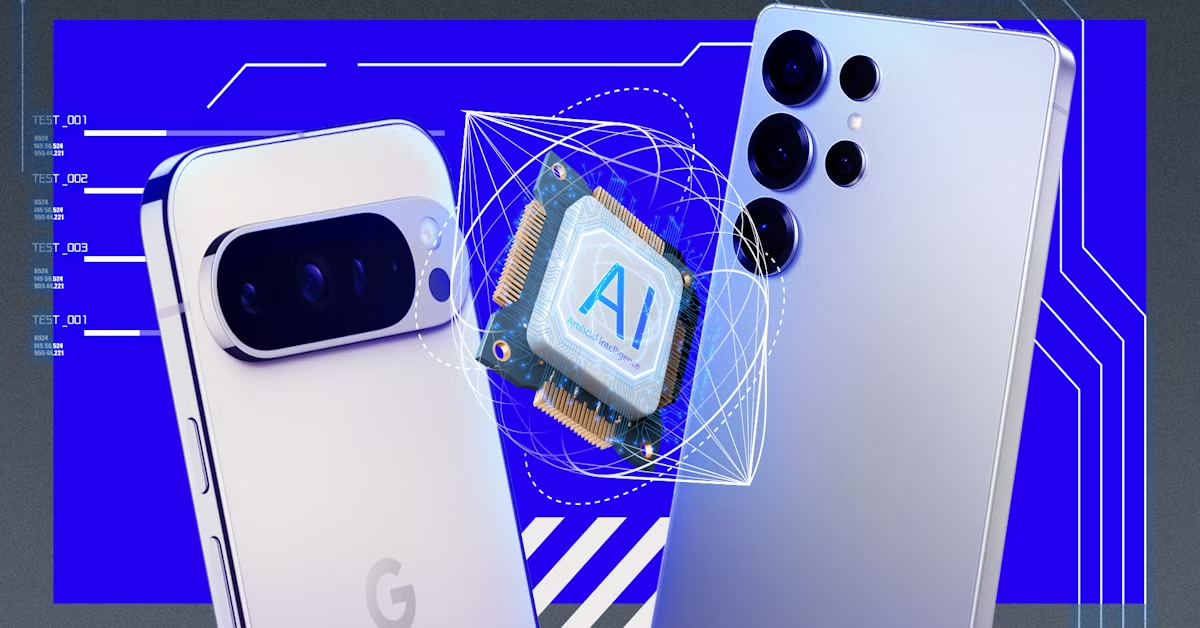
Google is rolling out a groundbreaking feature called Gemini screen automation, empowering its artificial intelligence to perform tasks directly within applications. This innovative solution, initially launched for the Pixel 10 series with the March system update, is slated for broader availability on older devices in the coming months.
How Gemini Screen Automation Works
This new functionality allows users to execute specific actions in popular apps like ride-sharing or food delivery services without manual interaction. Instead of navigating the app, users can simply type a command into Gemini, such as “order a ride” or “get food.” After clarifying details, Gemini initiates and finalizes the operation.
The core of this feature lies in a “secure virtual window” where Gemini interacts with applications. The process is partially cloud-based, offering users real-time progress updates and the ability to halt a task at any point.
Expanded Capabilities: AI to Order Food and Rides
Imagine telling your phone to “order my usual coffee from [coffee shop app]” or “book a taxi to the airport.” Gemini screen automation is designed to handle these multi-step tasks seamlessly. This integration aims to streamline daily routines, making interactions with various applications more intuitive and efficient.
Availability and Rollout Plan
Currently, Gemini screen automation is rolling out to users in the United States, specifically on Pixel 10 series devices running Android 16 with the latest system update. This phased approach is common for new Google features, ensuring stability and gathering feedback before a wider release.
Google plans to gradually expand this solution to more devices and regions globally. While an exact global launch date has not been provided, indications suggest a broader rollout to a wider user base within the next few months. This move follows a similar feature previously introduced on Samsung Galaxy S26 smartphones, highlighting a trend towards more integrated AI assistance in mobile devices.
Subscription Tiers and Usage Limits
To manage resource allocation and offer tiered access, Google has implemented usage limits for Gemini screen automation based on subscription levels:
- Free Version: Up to 5 tasks per day.
- AI Plus: Up to 12 tasks per day.
- AI Pro: Up to 20 tasks per day.
- AI Ultra: Up to 120 tasks per day.
These tiers provide flexibility for users with varying needs, from casual daily assistance to extensive AI-driven task management.
Frequently Asked Questions (FAQ)
What is Gemini screen automation?

Gemini screen automation is a new Google feature that allows the Gemini AI to directly interact with and perform tasks within other applications on your smartphone, based on your voice or text commands.
Which devices currently support Gemini screen automation?
Initially, Gemini screen automation is available on the Pixel 10 series smartphones running Android 16 with the latest system update, primarily for users in the United States. Google plans to expand its availability to older Pixel devices and other regions soon.
Can I use Gemini screen automation with any app?
While designed for broad compatibility, the feature is most effective with applications that have clear, structured interfaces and common actions like ordering food, booking rides, or making reservations. Its effectiveness may vary with highly complex or less standardized applications.
How does Gemini ensure my privacy and security when interacting with apps?
Gemini screen automation operates within a “secure virtual window,” which means the AI interacts with apps in an isolated environment. The process is also partly cloud-based, with robust security protocols in place. Users retain control, able to monitor progress and stop tasks at any time, ensuring transparency and data protection.
Source: 9to5google. Opening photo: Krzysztof Wilamowski
About Post Author
