

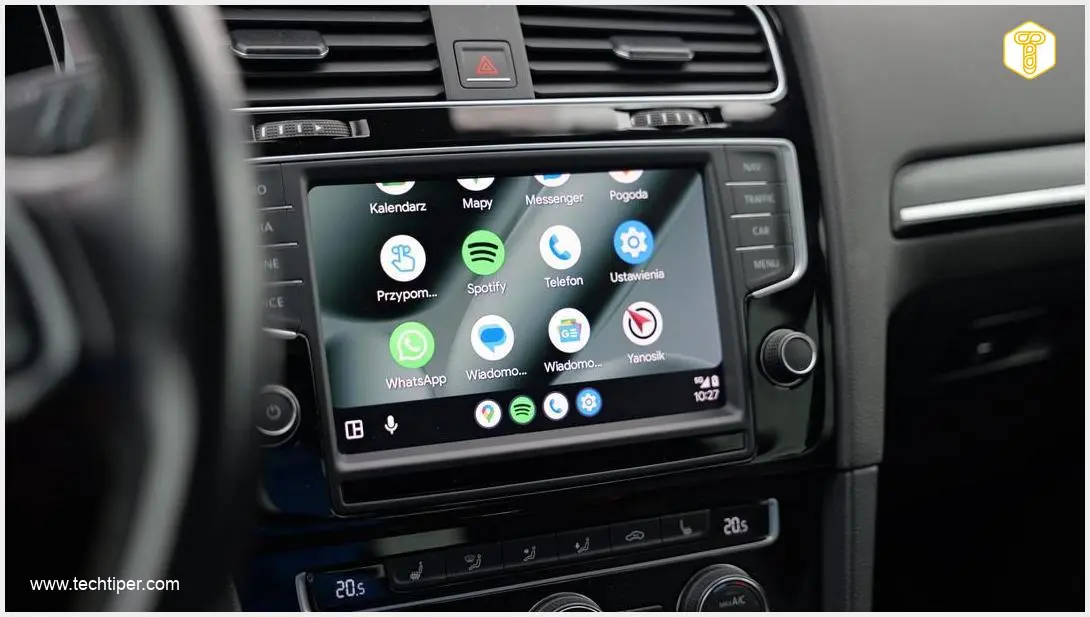
Wireless Android Auto offers unparalleled convenience for drivers, seamlessly integrating their smartphone experience with their car’s infotainment system without the clutter of cables. However, not every vehicle comes equipped with this modern feature built-in. The good news is that many drivers can easily bridge this gap and enjoy a wire-free connection with an affordable gadget.
Contents
The Convenience of Wireless Android Auto: Upgrading Your Driving Experience
In today’s connected world, our smartphones are integral to our daily lives, and the car is no exception. Android Auto extends your phone’s capabilities to your car’s display, offering navigation, music, communication, and more through a driver-friendly interface. While many newer vehicles offer wireless Android Auto, a significant number still require a wired connection, forcing drivers to plug in their phone every time they want to use the feature. This is where wireless adapters come in, transforming your existing wired setup into a truly wireless one.
How Wireless Android Auto Adapters Work
Wireless Android Auto adapters are ingenious devices designed to eliminate the need for a physical cable connection between your smartphone and your car’s infotainment system. These compact gadgets act as a bridge, converting your car’s wired Android Auto port into a wireless hub.
- Simple Connection: The adapter plugs into your car’s USB port, typically the one you’d normally use for wired Android Auto.
- Wireless Link: Your smartphone connects wirelessly to the adapter via Bluetooth for initial setup and then utilizes Wi-Fi for high-speed data transfer.
- Seamless Integration: The adapter then communicates with your car’s infotainment system, mimicking a wired connection, allowing you to access Android Auto wirelessly.
The result is a clean dashboard, quick connections, and the freedom to keep your phone in your pocket or wirelessly charging while still enjoying all the benefits of Android Auto.
Key Benefits of Going Wireless
Upgrading to wireless Android Auto offers several significant advantages that enhance your driving experience:
- Enhanced Convenience: No more fumbling with cables every time you get into your car. Your phone connects automatically.
- Clutter-Free Interior: Say goodbye to unsightly cables draped across your dashboard or center console.
- Reduced Wear and Tear: Constant plugging and unplugging can wear out your phone’s charging port. Wireless connectivity protects it.
- Instant Connectivity: As soon as you start your car, your phone can connect, providing immediate access to navigation and media.
Choosing the Right Wireless Android Auto Adapter: What to Look For
When considering a wireless Android Auto adapter, it’s helpful to understand the common features and specifications. While specific models may vary, here’s what you generally expect:
- Broad Compatibility: Many adapters support both Android Auto (for Android phones running OS 11 and newer) and Apple CarPlay (for iPhones running iOS 10 and newer), making them versatile for households with different devices.
- Robust Connectivity: Devices typically use Bluetooth 5.2 (or newer) for initial pairing and Wi-Fi for efficient data transfer, ensuring a stable and responsive connection.
- Compact Design: Most adapters are designed to be small and discreet, easily fitting into your car’s console or glove compartment without being obtrusive. Dimensions around 33 x 20 x 7 mm are common.
- Affordable Investment: These adapters are generally available for a modest price, often ranging from approximately $30 to $70 USD, making them an accessible upgrade for many drivers.
Important Considerations Before You Buy
While wireless adapters are a fantastic solution, there’s one critical prerequisite:
Your car must already support wired Android Auto.
An adapter does not add Android Auto functionality to a vehicle that entirely lacks it. Instead, it converts an existing wired connection into a wireless one. If your car doesn’t currently work with Android Auto when plugged in via a USB cable, a wireless adapter will not change that. Always check your car’s specifications or test wired Android Auto functionality before purchasing an adapter.

Frequently Asked Questions (FAQ)
What exactly is Android Auto, and why would I want it wirelessly?
Android Auto is a software platform that projects a simplified version of your Android phone’s interface onto your car’s infotainment screen. It allows you to safely access navigation (Google Maps, Waze), music (Spotify, YouTube Music), messaging, and calls while driving. The wireless version offers superior convenience, eliminating the need to connect your phone with a cable every time you get in the car, leading to a cleaner cabin and quicker setup.
Can I use a wireless Android Auto adapter if my car doesn’t have wired Android Auto?
No, a wireless Android Auto adapter requires your car to already be compatible with wired Android Auto. The adapter’s function is to convert that wired connection into a wireless one, not to introduce Android Auto functionality where it doesn’t exist. If your car doesn’t support Android Auto at all, an adapter will not make it work.
Are there any performance differences between wired and wireless Android Auto?
Generally, modern wireless Android Auto adapters offer performance very similar to wired connections. Thanks to efficient Wi-Fi data transfer, you should experience minimal lag in navigation, music playback, or app responsiveness. However, factors like phone quality, car’s infotainment system, and adapter quality can sometimes influence the experience. A stable wireless connection is key for optimal performance.
What’s the typical price range for these adapters, and are they difficult to install?
Most wireless Android Auto adapters are quite affordable, typically ranging from $30 to $70 USD, making them a cost-effective upgrade. Installation is usually very straightforward: simply plug the adapter into your car’s USB port (the one normally used for wired Android Auto), and then pair your phone with the adapter via Bluetooth. The adapter should then automatically connect to your car’s system.
Source: Own research. Opening photo: Gemini
About Post Author
