

Contents

What to Expect from Samsung’s One UI 9: Top Features and Design Concerns
Samsung’s upcoming One UI 9 is shaping up to be an update that skips the revolutionary gimmicks in favor of what truly matters: enhancing the core user experience. While early leaks give us a glimpse into the specific functions we can expect, it appears that not every rumored addition will meet the growing demands of power users within the Galaxy ecosystem.

Expected Features in One UI 9
Improved Data Sharing: Tap to Share
Early leaks suggest that Samsung isn’t planning a massive overhaul but is consistently refining areas of the interface that have needed an update for years. The most highly anticipated addition—reported by major tech outlets like Sammobile, 9to5Google, and TrustedReviews—is the new Tap to Share feature in One UI 9. This function operates similarly to Apple’s AirDrop and NameDrop, allowing users to transfer files simply by bringing two devices close together.
The integration of “Tap to Share” with the existing “Quick Share” ecosystem will create a unified, seamless data exchange system. In practice, this means:
- Contextual Sharing: Tapping phones while in the gallery will automatically send the photos you are viewing.
- Contact Exchange: Doing so on the home screen easily shares contact details.
- Universal File Transfer: Triggering it from the share menu will send any selected file seamlessly.
The Return of Glassmorphism: “Liquid Glass”
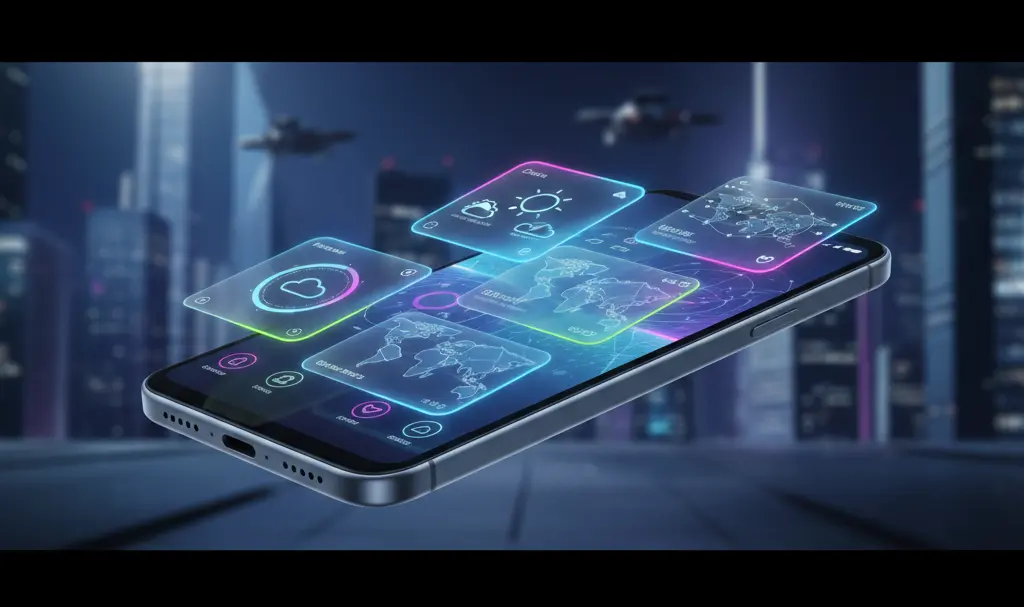
Another highly rumored interface change is the heavy reliance on subtle glass-like transparencies. While Samsung began experimenting with this in earlier versions, the push toward a “Liquid Glass” aesthetic mimics some of the more controversial interface choices seen in recent iOS updates.
For tech veterans, this design philosophy feels reminiscent of the Windows Vista “Aero” interface from 2007, which utilized transparent windows and blur effects to simulate depth and modernity. In One UI 9, these glass effects are expected to dominate redesigned volume sliders, media players on the lock screen, and likely the quick settings panel. For users who prefer flat, minimal, and highly legible designs, this heavily stylized aesthetic might feel like a step backward.
Easier and More Intuitive Multitasking
Currently, minimizing an application to a floating bubble requires a multi-step process that feels unintuitive and cumbersome. According to early reports, One UI 9 aims to streamline this significantly. This update is highly anticipated by users wanting to know what is new in One UI 9 multi-window and cross-device capabilities.
Samsung is expected to enhance multitasking across its entire lineup, but the most significant improvements will target devices with dual or foldable screens. Streamlined window management will finally allow users to leverage the full potential of large-screen tablets and foldables without wrestling with clunky gestures.
My Expectations for the Future of Galaxy
A Smarter, Less Intrusive Galaxy AI
At the top of my wishlist is a more refined Galaxy AI. In its current form, it can feel inconsistent. AI is fantastic when it genuinely assists the user—like intelligent text summarization or advanced contextual search—but it becomes a nuisance when it tries to automate tasks that are faster to do manually. One UI 9 needs fewer flashy marketing slogans and more practical, everyday tools like better context analysis and precise on-screen content recognition without requiring a five-step setup process.
Seamless Cross-Device Synergy
While Quick Share and the Windows Phone Link app are excellent starting points, there is still room for improvement in ecosystem synergy. Apple has mastered cross-device continuity, and Samsung is still playing catch-up. Seeing deeper integration between One UI and Windows 11, perhaps mirroring desktop elements directly on the mobile interface natively, would be a massive leap forward.
A Clutter-Free Quick Settings Panel
The Quick Settings panel has suffered from constant, chaotic redesigns in recent updates. A cleaner, more organized approach that stops reinventing the wheel with every major release would make the daily user experience far more enjoyable. Currently, the lack of a cohesive vision for this panel makes it less appealing to use with each iteration.
When to Expect More Details
Following Samsung’s traditional annual release cycle, One UI 9 beta versions should begin rolling out in late summer. This is when the community will get hands-on experience through user screenshots, and the finalized feature set will be confirmed.
The stable release is expected to launch in the fall, traditionally starting with the latest flagship devices. This means the highly anticipated Galaxy S26 series, along with the newest generation of Galaxy Z Folds and Flips, will be the first in line for the update.
Frequently Asked Questions (FAQ)
Which devices will be the first to receive the One UI 9 update?
Samsung traditionally rolls out its major software updates to its newest flagship devices first. Expect the upcoming Galaxy S26 series, along with the latest iterations of the Galaxy Z Fold and Z Flip, to be the first devices to receive the stable One UI 9 update in the fall.
How will Tap to Share in One UI 9 improve file transfers?
Tap to Share is expected to be deeply integrated with Quick Share, allowing users to transfer files, photos, or contacts simply by bringing two Galaxy devices close together. The feature will be contextual, meaning it intelligently knows what to send based on the app that is currently open on your screen.
What is the “Liquid Glass” design rumored for One UI 9?
The “Liquid Glass” design refers to a glassmorphism aesthetic that utilizes transparent backgrounds and blur effects across the user interface. Rumors suggest it will be prominently featured in updated UI elements like volume sliders, the lock screen media player, and the quick settings panel.
Source: own work
Opening photo: Gemini
About Post Author
