

Contents
Google Replaces the Traditional Search Bar with an AI-Powered Interface
Google is continuing its aggressive integration of artificial intelligence across its entire ecosystem of services. The latest updates rolling out to the Google app and Pixel Launcher make one thing abundantly clear: traditional search is gradually stepping aside to make way for a fully AI-driven experience. As the search giant pivots toward generative capabilities, users are being encouraged to interact with the web in a completely new way.
“Ask Google” is the New Standard
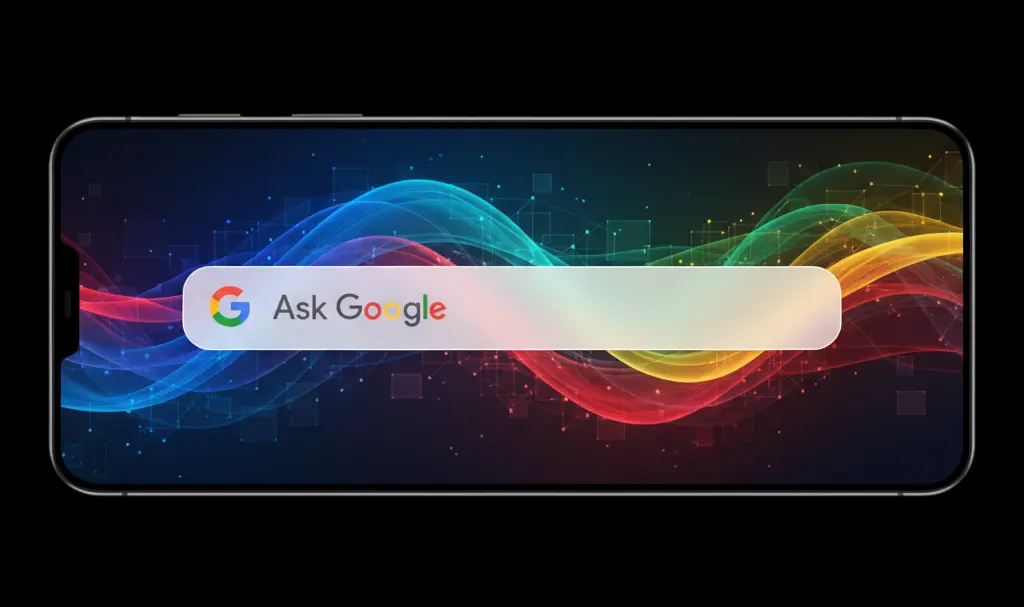
Google has begun deploying significant changes to the search bar on Android devices. These modifications are most prominent in the Pixel Launcher, where tapping the bottom search bar now reveals a refreshed, full-screen interface tailored for artificial intelligence.
The most noticeable update is the placeholder text within the search bar itself. The familiar “Search…” prompt has been replaced with the phrase “Ask Google.” This simple yet profound text swap is a clear indicator that Google is aggressively promoting natural language interaction over traditional keyword input. Rather than typing fragmented phrases, the company wants users to engage in live AI conversations and visual searches to find answers to complex questions.
A Revamped Interface: The Plus Button and AI Mode
The visual layout of the search interface has also undergone a major redesign to accommodate multimodal inputs. Key changes include:
- Removal of the “G” Logo: The classic Google “G” icon has disappeared from the input field.
- The Versatile “+” Button: A new plus icon has taken its place, serving as a hub for advanced search features.
- Multimodal Inputs: Expanding the “+” button allows users to instantly add photos from their camera or gallery to their query.
- Generative Features: The new menu provides quick access to switch into a dedicated AI Mode or utilize AI image generation tools directly from the home screen.
These interface tweaks are designed to make generative tools more accessible. Furthermore, Google is refining how users navigate their past interactions, a change that aligns closely with the recent Google app AI mode history update.
Broad Rollout Across Mobile Platforms
These structural changes are not limited to the Pixel ecosystem. The new operational model is making its way to the main Google application across both Android and iOS devices. The updates are visible in both the primary search bar and the bottom navigation bar of the app.
The tech giant is simultaneously tweaking other UI elements, including the layout of the full-screen AI Mode view and search history management. Currently, these innovations are being tested and rolled out to users on the beta version of the Google app (specifically version 17.18), with a wider public release expected soon.
Frequently Asked Questions (FAQ)
Why is Google changing the search bar text to “Ask Google”?
Google is shifting the text to “Ask Google” to reflect the transition from traditional, keyword-based search to conversational AI. The company wants to encourage users to ask complex, natural-language questions that its generative AI models can understand and answer comprehensively.

Can I still perform a standard web search without using AI?
Yes, while the interface encourages AI interaction, you can still type standard keywords. The search engine will continue to provide traditional blue links and web search results, often displayed alongside AI-generated overviews.
What does the new “+” button do in the Google search bar?
The new “+” button replaces the classic Google logo and acts as a gateway for multimodal searches. Tapping it allows you to upload images for visual search, switch to a dedicated AI conversation mode, or use AI to generate images directly from the search interface.
Source: 9to5Google. Opening photo: Gemini.
About Post Author
