

Contents
Stop Pointing All Your Wi-Fi Router Antennas Straight Up: The Ultimate Signal Guide
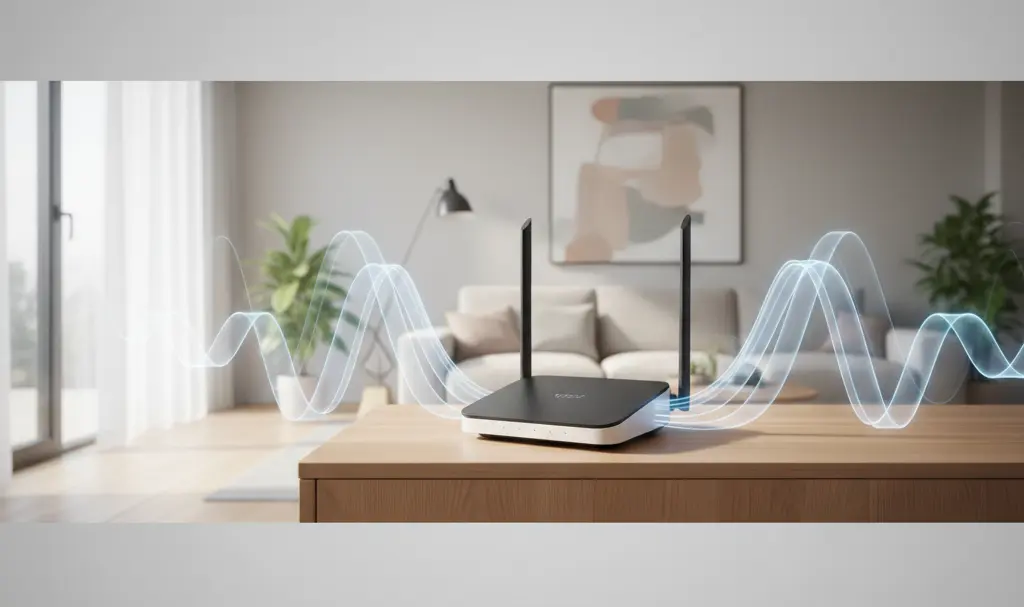
When setting up a new Wi-Fi network, the most common instinct is to point all the router’s antennas straight up towards the ceiling. However, this default approach can sometimes be a critical mistake. Incorrect antenna angles can ultimately weaken the received signal, slow down your home network, and lead to frustrating “dead zones.”
To help you get the most out of your internet plan, we are sharing expert tips on how to optimize your router placement and antenna angles to ensure your home connection is as fast and stable as possible.
Why the “Straight Up” Approach Doesn’t Always Work
The standard vertical alignment of router antennas works perfectly fine if you live in a single-story apartment or home. In this configuration, the Wi-Fi signal radiates outward horizontally, ensuring the entire living space is covered by a strong signal. This is especially true if you are using the more stable Wi-Fi 5 standard or newer generations like Wi-Fi 6 and 7.
However, the situation changes dramatically when you want to cover a multi-story house using a single device. Router antennas transmit radio waves perpendicular to their physical position. If all antennas are pointing straight up, the signal travels laterally across the floor, but very little of it travels vertically through the ceiling or floorboards. As a result, the signal strength on the floor above or below the router can become significantly weaker, causing lag and connection drops.
How to Position Your Router Antennas Correctly
If you live in a multi-story home, leaving all antennas fully vertical means you are missing out on optimal performance. The solution is simple: you need to adjust the angles.
- The 45-Degree Rule: The optimal solution is to tilt one of the antennas to a 45° angle, or even lay it completely flat (horizontally). By doing this, you force the antenna to broadcast its signal up and down between floors, drastically minimizing the risk of creating a dead zone on another level.
- Matching Device Antennas: Mobile devices like smartphones often have internal antennas oriented horizontally, while laptops may have them vertically. Having your router’s antennas positioned at varying angles increases the likelihood of a perfect polarization match with your devices, leading to faster speeds.
The Trial and Error Testing Method
Every home layout is different, meaning there is no one-size-fits-all configuration. Building materials, walls, and floor layouts all affect signal penetration. To find the setup that yields the best connection performance, follow these steps:
- Run a baseline speed and latency test in the area of your home with the weakest signal.
- Adjust one of the router’s antennas to a 45° angle.
- Run the speed test again to check for improvements.
- If the connection improves, try turning the antenna completely horizontal and run a third test. If the third test results in a weaker signal, revert to the 45-degree position.
Other Crucial Factors for a Strong Wi-Fi Signal
While antenna orientation is critical, it is not the only factor that dictates the quality of your home network. Several other elements can make or break your wireless experience.
Optimal Router Placement
The physical location of your router matters immensely. Always aim to place the device in the central part of your home, elevated off the floor (such as on a bookshelf or a mounted wall stand). Because Wi-Fi signals radiate outward in all directions, placing the router in a corner or near an exterior wall means half of your signal is being broadcast outside.
Utilize the 5 GHz Frequency Band
It is incredibly important to take advantage of modern network standards. Most modern routers are dual-band, supporting both 2.4 GHz and 5 GHz frequencies. Whenever possible, connect your devices to the 5 GHz band. While 2.4 GHz offers better range, 5 GHz is significantly faster and less prone to interference. Typically, your router will broadcast two networks with the same password—always opt for the one ending in “5G” for your bandwidth-heavy devices like smart TVs and gaming consoles.

Managing all these smart devices can sometimes be a hassle, but keeping everything synchronized is much easier if you utilize the latest Google Android Wi-Fi sync passwords update, allowing for seamless transitions across your ecosystem.
Avoid Obstacles and Household Appliances
Ensure your Wi-Fi router is not placed near major household appliances such as microwave ovens, refrigerators, or washing machines. Metal surfaces are notorious for reflecting radio waves, and large electronic appliances can emit frequencies that disrupt your signal. Furthermore, ignore internet myths—like placing coins or aluminum foil on the router. These “hacks” are ineffective and will not improve network quality.
If you’ve optimized your antennas and placement but still have stubborn dead zones, you might need extra hardware. Before buying an expensive mesh system, consider upcycling old tech; for instance, you can turn an old phone into a Wi-Fi hotspot extender to push your connection into those hard-to-reach rooms.
Frequently Asked Questions (FAQ)
Why do omnidirectional router antennas broadcast signals perpendicularly?
Most home Wi-Fi routers use omnidirectional dipole antennas. These antennas transmit radio waves outward in a shape resembling a donut (or a torus), expanding perpendicularly from the physical shaft of the antenna. Therefore, pointing an antenna straight up sends the signal horizontally across the room, rather than vertically through the floor or ceiling.
Does the angle of my laptop or smartphone antenna need to match the router’s antenna?
Ideally, yes. This concept is known as polarization matching. Many mobile devices have internal antennas positioned horizontally, while laptops often orient them vertically alongside the screen. By keeping one router antenna vertical and another horizontal or angled, you maximize the chance of aligning with the internal antennas of various devices, resulting in a stronger and more stable connection.
Should I place my router on the highest floor or the ground floor in a multi-story home?
It is generally best to place the router on the ground floor, elevated as high as possible (like on top of a tall bookshelf), with at least one antenna angled or horizontal. Radio waves tend to travel outward and slightly downward more effectively than they travel straight upward through dense flooring materials. However, if you have a three-story home, a central placement on the middle floor is the optimal choice.
Source: Gemini & Opening photo: Gemini
About Post Author
