

Contents
Trouble Ahead: Gemini Fails to Make Calls in Android Auto
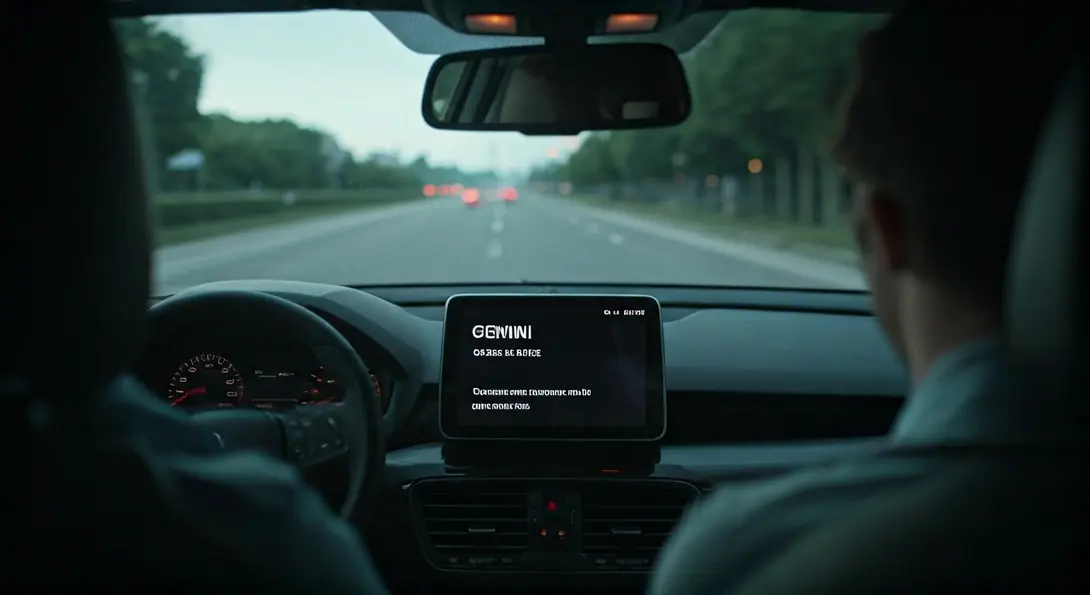
Android Auto users are reporting a frustrating new problem involving Google’s AI assistant, Gemini. Drivers are finding themselves unable to initiate phone calls through Gemini, with attempts consistently resulting in an error message. This issue is causing significant inconvenience for those relying on voice commands for hands-free communication while driving.
Gemini’s Calling Feature Stumbles in Android Auto
Over the past few days, numerous complaints have surfaced from Android Auto users detailing their struggles to make calls using Gemini. Instead of connecting the call, the system displays an error message, often suggesting a retry. This isn’t an isolated incident; the problem appears to be affecting a considerable number of users across various devices and vehicles.
Many users note that this functionality previously worked without any hitches, and the issues have emerged suddenly, indicating a recent change or bug. The inability to reliably make calls through voice commands undermines a core safety feature of Android Auto, which is designed to minimize driver distraction.
Common Fixes Prove Ineffective
What’s particularly troubling for affected users is that standard troubleshooting methods are proving unsuccessful. Attempts to resolve the issue by clearing application data, reconfiguring the system settings, or even resetting the car’s multimedia unit have not restored Gemini’s ability to make phone calls. This suggests the problem lies deeper than typical user-side issues, likely within the Gemini service or its integration with Android Auto.
Temporary Solutions and Workarounds
In response to these persistent problems, some drivers have opted for temporary solutions to regain calling functionality:
- Returning to Google Assistant: A common workaround involves reverting to the classic Google Assistant. This allows users to once again make voice-activated calls within Android Auto, albeit without the latest Gemini features. This highlights the importance of reliable voice assistants in vehicles, a topic explored further in discussions about AI integration in car ecosystems like Apple CarPlay and Android Auto.
- Uninstalling Recent Updates: Another suggested workaround involves uninstalling the most recent update responsible for the Gemini service. While this might restore calling capabilities, it means users will be running an older version of the software, which may lack other improvements or security patches and is not recommended as a long-term solution.
A Recurring Pattern? Gemini’s Recent Challenges
This latest hurdle for Gemini users is particularly noteworthy as it follows closely on the heels of other recent issues. Just last week, Google’s AI platform experienced a partial outage, leading to error messages for many users. While that specific problem was reportedly resolved, these new reports suggest that the Gemini ecosystem might still be grappling with ongoing stability challenges. Such issues can be frustrating for users expecting seamless integration, much like when Android Auto itself faced persistent connectivity issues that Google eventually resolved, as detailed in this article.
What This Means for Android Auto Users
The inability to make calls through Gemini in Android Auto is more than just an inconvenience; it impacts driver safety and the core utility of the in-car infotainment system. Users rely on these features for hands-free communication, navigation, and entertainment. Google needs to address this bug promptly to ensure a consistent and reliable user experience for its Android Auto and Gemini user base.
Frequently Asked Questions (FAQ)
Users are reporting that Google’s Gemini AI assistant is failing to make phone calls through Android Auto, consistently displaying error messages instead of connecting calls.
Yes, some users are temporarily reverting to the classic Google Assistant to enable voice-activated calling. Another suggested, though less recommended, workaround is uninstalling the latest Gemini service update.

Standard troubleshooting steps like clearing app data, reconfiguring settings, or resetting the car’s multimedia unit have proven ineffective, suggesting the problem is a deeper software bug within the Gemini service or its Android Auto integration, rather than a user-specific setting issue.
Yes, this issue follows a partial outage of Google’s Gemini AI platform just last week, which also resulted in error messages for users. This indicates potential ongoing stability challenges within the Gemini ecosystem.
If affected, users should consider temporarily switching back to Google Assistant for reliable voice calling. It’s also advisable to report the issue to Google through official channels and keep their Android Auto and Gemini apps updated, as a fix is likely to be rolled out in a future update.
Source: Android Authority
Opening photo: Gemini
About Post Author
