
Contents
Enhanced Customization Arrives with Samsung One UI 8.5
Samsung is significantly expanding its system customization capabilities with the latest One UI 8.5 update. This new version introduces advanced options for personalizing the Quick Settings panel, a core and frequently accessed element of the user interface. These enhancements are delivered through the QuickStar module, primarily benefiting devices running the aforementioned One UI overlay.
Take Control: Samsung Overhauls Quick Settings Customization
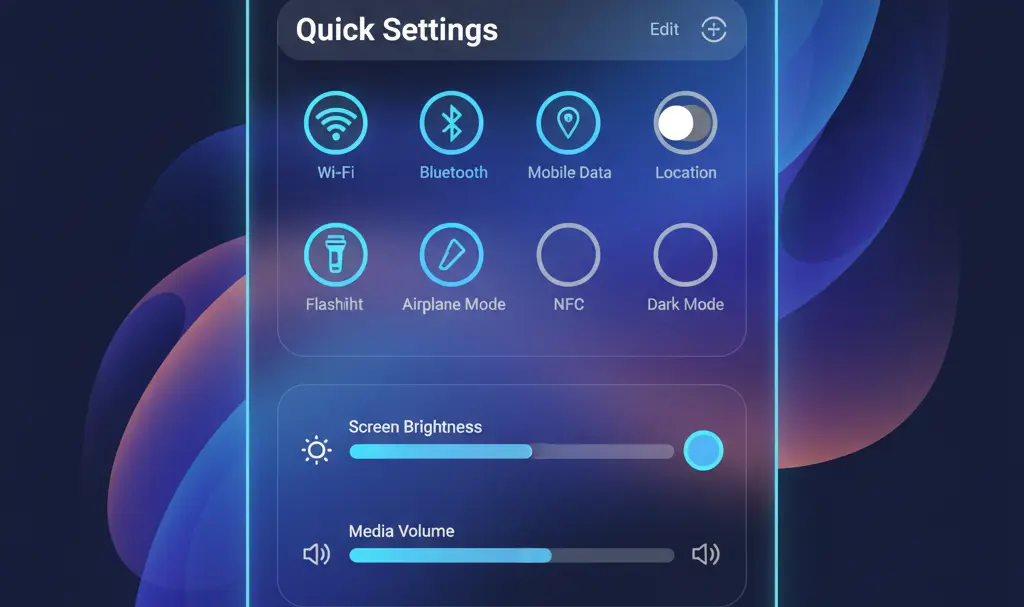
The Quick Settings panel is an indispensable tool for most users, accessed daily for tasks ranging from managing Wi-Fi connectivity to adjusting screen brightness. With One UI 8.5, Samsung empowers users to go beyond merely reordering icons; they can now profoundly alter the panel’s structure and appearance.
What’s New in Quick Settings Customization?
The expanded personalization options in One UI 8.5 include:
- Style Changes: Users can now modify the overall visual style of the Quick Settings panel.
- Adjustment Bar Editing: The look and feel of the brightness and volume adjustment bars can be customized.
- Interface Scaling: Elements within the interface can be scaled to better suit individual preferences.
- Landscape Mode Optimization: The layout can be tailored for horizontal orientation, allowing users to correct slider positions or adjust the size of toggle sections for a more ergonomic experience.
These granular controls aim to make the Quick Settings panel not just functional but also aesthetically aligned with each user’s personal style.
Who Gets These New Personalization Features?
While the One UI 8.5 update is rolling out to various Samsung devices, these advanced personalization options are not universally available. The full suite of new configuration capabilities remains exclusive to devices running One UI 8.5.
For users with devices on earlier versions, such as One UI 7 and One UI 8, the update primarily brings stability improvements and bug fixes, without access to these new customization features. This means that for now, only the latest devices will fully experience the enhanced Quick Settings personalization. For more details on recent updates, you might be interested in the Samsung Galaxy A36 security update for One UI 8.5 or insights into the Samsung One UI 8.5 Beta 8 update, including Galaxy S25 features and fixes.
The future availability of these extensive customization features for older One UI versions is yet to be announced by Samsung. Users are encouraged to keep their devices updated to receive the latest features and security enhancements.
Frequently Asked Questions (FAQ)
Which Samsung devices will receive the new Quick Settings customization features?
The advanced Quick Settings customization features are currently exclusive to devices running Samsung’s One UI 8.5. While other devices may receive the One UI 8.5 update, these specific personalization options are only available on the newest devices compatible with this version.
What is the QuickStar module and how does it relate to these new features?
QuickStar is a module within Samsung’s Good Lock suite, designed to offer deeper customization options for the Quick Settings panel. The new personalization features in One UI 8.5 are delivered and managed through this QuickStar module, allowing users to access and configure the expanded settings.
Will older Samsung devices eventually get these One UI 8.5 customization features?
Currently, Samsung has not announced specific plans or timelines for bringing the full suite of One UI 8.5 Quick Settings personalization features to older devices. Updates for older versions (like One UI 7 and 8) primarily focus on stability and bug fixes. Users should monitor official Samsung announcements for any future changes regarding feature availability.
Source: Tech news outlets. Opening photo: Gemini
About Post Author
