

Contents

Why WhatsApp Is Ending Support for Older Android Smartphones
In its ongoing effort to maintain high security standards and introduce advanced features, WhatsApp regularly phases out support for older operating systems. During the latest round of cutoffs, smartphones running Android 5.0 (also known as Lollipop) or older are on the chopping block. If you are still using a device powered by this aging software, it is officially time to consider an upgrade.

The End of the Line for Android 5.0 Lollipop
Android 5.0 was officially released by Google in late 2014. While official system updates ended around 2017, Google Play Services continued to push minor compatibility and security patches for years, only fully ceasing updates for Lollipop in 2024. This extended timeline means WhatsApp developers have actually been incredibly generous by maintaining application support for nearly a decade.
According to reports from WABetaInfo, a definitive timeline is in motion to permanently disable the app on these legacy systems. Moving forward, the popular messaging app will require devices to run at least Android 6.0 (Marshmallow) or newer to function. Industry experts anticipate similar cutoff announcements for Android 6.0 in the coming years as technology continues to evolve.
Why Is WhatsApp Dropping Support?
There are several crucial reasons why messaging platforms must abandon older operating systems. Operating systems that no longer receive official support pose significant risks and limitations:
- Security Vulnerabilities: Outdated systems lack the necessary security patches to defend against modern cyber threats. Today, our smartphones hold sensitive data, including bank details, passwords, and personal contacts. Using an unsupported device gives hackers an easy entry point.
- Hardware Limitations: Modern apps require more processing power and memory. Older hardware simply cannot deliver a smooth user experience anymore.
- Advanced Features: Keeping old systems alive holds developers back from implementing next-generation tools. For instance, the recent WhatsApp massive update featuring AI, storage management, and chat transfers relies heavily on modern API structures found only in recent Android versions.
- Ecosystem Integrations: Complex cross-platform functionalities, such as the WhatsApp Apple CarPlay integration for video streaming, require a robust and modern OS foundation to operate flawlessly.
What This Means in Practice
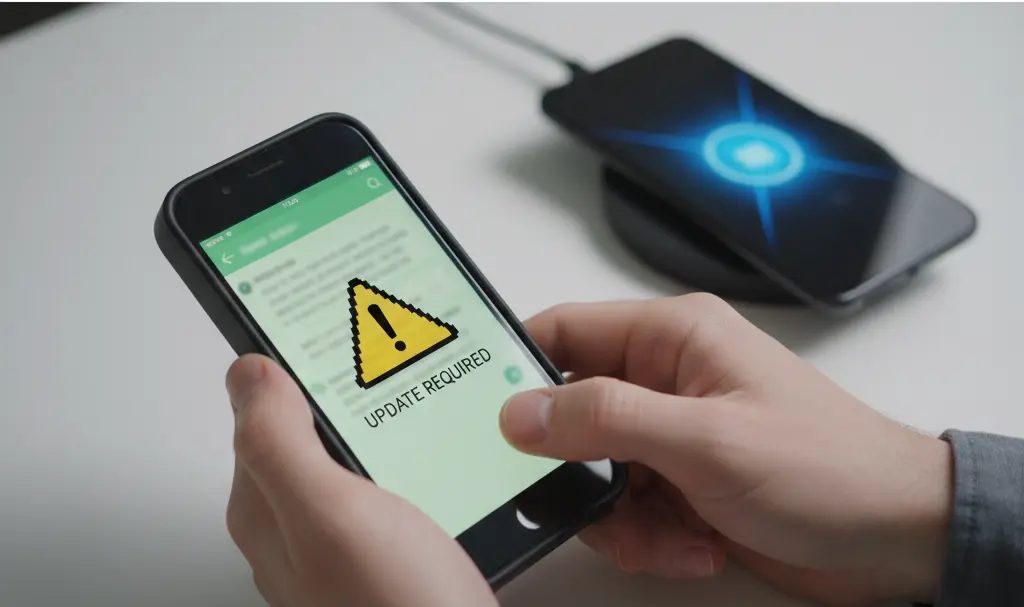
Once the cutoff date passes, users with Android 5.0 will no longer be able to send messages, make calls, or back up their chat history. The application will prompt a mandatory update message, which cannot be fulfilled unless the underlying operating system is upgraded. For the vast majority of devices running Android 5.0, hardware limitations prevent any further OS updates, meaning the device itself has reached the end of its usable lifecycle for modern communication.
Time to Upgrade: Affordable Modern Alternatives
If you are impacted by this change, the most logical and secure step is to purchase a new smartphone. Fortunately, upgrading does not have to break the bank. Today, even budget smartphones priced under $250 or €250 come equipped with the latest software—such as Android 14—ensuring compatibility with all popular applications for many years to come.
Investing in a modern smartphone is no longer just about getting a better camera or a faster processor; it is a critical step in protecting your digital identity. By making the switch, you guarantee that you receive continuous security updates, keeping your personal chats and financial information out of the wrong hands.
Frequently Asked Questions (FAQ)
How do I check which version of Android my smartphone is currently running?
You can easily check your operating system version by opening your phone’s Settings app, scrolling down to “About Phone,” and selecting “Software Information.” Look for the “Android Version” number listed there.
Will I lose all my WhatsApp chats and media when I switch to a new phone?
No, you will not lose your data if you properly back it up before switching. You can back up your chat history and media to Google Drive through WhatsApp’s settings (Settings > Chats > Chat Backup) and seamlessly restore it when you log in on your new device.
Is there any way to bypass the OS restriction and continue using WhatsApp on Android 5.0?
No. Once WhatsApp officially ends server-side support for a specific operating system, the application will block connections. Attempting to use third-party modified versions of WhatsApp to bypass this is highly discouraged, as it poses severe security risks and can result in your account being permanently banned.
Source: WA Beta Info & Opening photo: Gemini
About Post Author
