

Contents
Microsoft’s Vision for Windows 11: 4 Hidden Features in Experimental Build 26300.8289
Microsoft is actively shaping the future of Windows 11, revealing an exciting new direction in the experimental Build 26300.8289. If these internal changes make it to the stable release, users can expect the return of a movable taskbar and a completely redesigned Run dialog box. These enhancements could be laying the groundwork for a broader visual reset of the operating system.
Building on recent Windows 11 major changes to native apps and search improvements, Microsoft continues to refine the user experience. Here is a closer look at the top four hidden features currently being prototyped in the Windows Insider Experimental channel.
1. The Movable Taskbar Makes a Comeback
The most anticipated change is the return of a movable taskbar, allowing users to dock it at the top, left, or right edge of the screen. This has been one of the most frequently requested features by the Windows 11 community since its initial release.
- Context Menu Controls: In this experimental build, the taskbar can be repositioned directly from its context menu.
- Adaptive Layouts: The system automatically adjusts the icon layout to fit the new orientation, although the implementation is not yet final.
Microsoft has hinted at plans for full support for top and side taskbars by 2026, which would also include adjustable sizes. This would restore the flexibility users enjoyed in Windows 10 and older versions. However, the tech giant emphasizes that these changes are strictly experimental—there is no absolute guarantee they will reach the final build in their current form.
2. A Redesigned, Modern Run Dialog
Another major addition is the completely overhauled “Run” dialog (triggered by the Win + R shortcut), a legacy feature that has remained largely unchanged since the days of Windows 95.
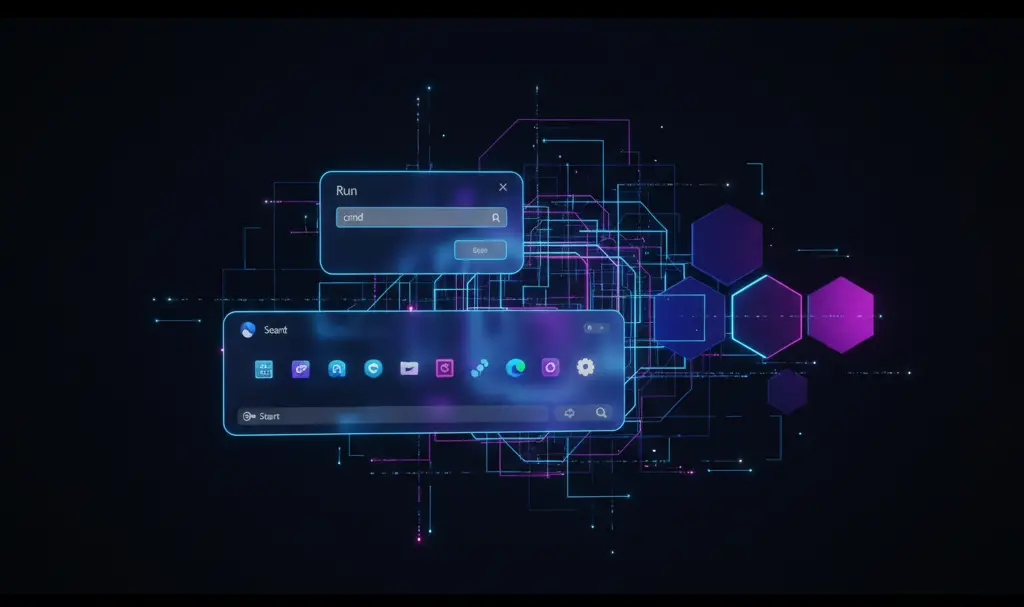
The updated version embraces Windows 11’s modern design language, known as Fluent Design. It introduces rounded corners, the semi-transparent Mica effect, a sleek dark theme, and refreshed iconography. This helps the dialog blend seamlessly with the modern Windows 11 interface rather than looking like an artifact from decades past.
- Smarter Interface: The new window is slimmer and behaves more like a modern launcher.
- Intelligent Suggestions: It now displays a history of executed commands and offers smart autocomplete suggestions for apps and file paths as you type.
- Optional Toggle: For users who prefer the classic look, this modernization is entirely optional. Microsoft is adding a toggle in Settings > System > Advanced to switch the new Run dialog on or off.
3. Unified Animations and a Cohesive System
The third update focuses on the pivotal moments every Windows 11 user experiences: logging in, logging out, restarting, and shutting down. Historically, Windows relied on the familiar spinning dots animation during these processes.
In Build 26300.8289, those dots have been replaced by a smooth, continuous spinning ring indicator. This new animation directly mirrors the loading visual seen during the initial system boot.
While this might seem like a minor tweak, it is part of a much larger effort to clean up the Windows 11 interface after years of heavy modifications. By creating consistent animations, rebuilding context menus, and standardizing toggles, Microsoft hopes to eliminate the “patchwork” feel of combining legacy interfaces with modern UI designs.

4. MB/GB Toggle for Partition Resizing
The final hidden feature is a small but highly practical update found in Settings > System > Storage > Disks & volumes. When resizing partitions, Windows 11 currently forces users to calculate and input values strictly in megabytes (MB).
In Build 26300.8289, users can now seamlessly switch between Megabytes (MB) and Gigabytes (GB) with a simple click, directly inside the partition management window. If you regularly manage storage or follow a Windows 11 debloat, performance, and privacy guide, this quality-of-life improvement will save you time and eliminate the need for external calculators.
What the Experimental Channel Means for Windows 11
All the features mentioned above are currently hidden in Build 26300.8289, which is part of the “Experimental” channel within the Windows Insider program. Microsoft uses this specific track as a sandbox for rapid prototyping.
The company clearly states that solutions tested in this channel may evolve, be pulled back, or never see a public release. It is a testing ground to see how ideas function in practice.
However, if these concepts prove successful in testing, we can expect to see them integrated into stable Windows 11 releases during major feature updates later this year. They may well serve as the foundation for the broader visual reset Microsoft has been promising.
Frequently Asked Questions (FAQ)
Can I move my Windows 11 taskbar to the top of the screen right now?
Not in the stable version of Windows 11. The movable taskbar is currently a prototype feature hidden in the experimental Build 26300.8289. If testing goes well, it may be rolled out in a future major update.
How do I enable the new Run dialog in Windows 11?
In the experimental build, the modern Run dialog can be turned on or off via the Windows Settings app. You can find the toggle switch by navigating to System > Advanced and enabling the “Run dialog” option.
Are the features in the Windows Insider Experimental channel guaranteed to release?
No, the Experimental channel is strictly used for prototyping new concepts. Microsoft uses this environment to test viability and gather telemetry, meaning features can be drastically altered, delayed, or canceled entirely before a stable release.
Source: Ghacks, WindowsCentral, X, WindowsLatest & Opening photo: Gemini
About Post Author
