

Contents
YouTube is Changing: Google Tests a Controversial AI Search Feature
The YouTube app may soon introduce a groundbreaking new feature that is impossible to ignore. Thanks to the experimental “Ask YouTube” conversational AI tool, users will receive brief, context-rich text summaries of video topics alongside traditional video recommendations. This marks a major shift in how audiences interact with content and search for information on the platform.
What is the “Ask YouTube” Feature?
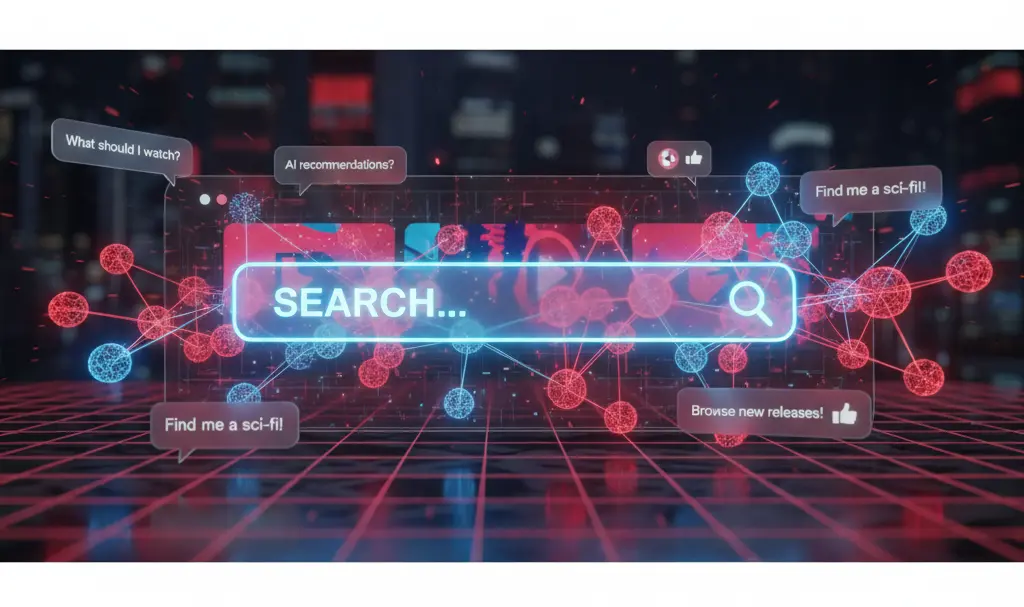
“Ask YouTube” is the name of the new conversational AI function currently being tested on one of the world’s most popular video platforms. Powered by advanced artificial intelligence (likely utilizing Google’s Gemini architecture), the tool aims to completely revamp how search results and video discoveries are displayed.
Instead of presenting users with a standard, endless scroll of video thumbnails, the new feature transforms search results into a comprehensive, AI-generated summary. This functionality includes:
- Smart Video Recommendations: Carefully selected videos that directly answer the user’s query.
- Precise Timestamps: Direct links to the exact moments in a video where the relevant information is discussed.
- Text Summaries: A quick, easy-to-read digest of the most important information regarding the searched topic.
For example, if you search for a complex topic like “Spain’s path to winning the 2024 European Championship,” the application will suggest highly relevant content—such as a detailed fan-made documentary—while simultaneously displaying a text-based summary of the tournament bracket right on your screen.
Who Can Access the New AI Search?
As with most cutting-edge Google experiments, there is a catch. Currently, access to the conversational AI feature is strictly limited. It is only available to adult YouTube Premium subscribers based in the United States. Furthermore, the tool can only be utilized on desktop computers, leaving mobile users waiting for a future rollout.
While the initial testing phase was scheduled through early June, it’s important to remember that this technology is still in its early developmental stages. A global rollout, if approved, could still be a long way off. However, if this experiment proves successful, the traditional methods of searching for videos could soon become obsolete, fundamentally changing the digital video landscape.
To understand how audiences are currently adapting to these rapid changes, you can read more about the user reaction to YouTube AI summaries on the homepage.
The Future of YouTube Search: Will Traditional Methods Retire?
Interestingly, this is not the first time Google has experimented with modernizing search capabilities for YouTube Premium users. Last August, the company tested AI-generated carousels designed to summarize and highlight the best available materials for specific topics. These ongoing tests clearly indicate a larger strategy to integrate artificial intelligence deeply into the user experience, echoing other recent platform updates like the limited YouTube integration on Android Auto.
Despite months passing since these initial tests, Google has yet to release concrete information regarding an official global launch date. It also remains entirely unknown whether free-tier users will ever gain access to these powerful conversational search features or if they will remain permanently locked behind the Premium subscription paywall.

Frequently Asked Questions (FAQ)
Will the “Ask YouTube” conversational AI feature be available for free users?
As of now, Google is restricting the “Ask YouTube” feature strictly to Premium subscribers. There is no official confirmation on whether the company plans to make AI-generated search summaries and conversational tools available to users on the free tier in the future.
How does the conversational AI summarize video content?
The AI analyzes the video’s transcript, metadata, and overall context to generate a concise text summary. It then pairs this summary with relevant video recommendations and specific timestamps, allowing users to jump directly to the most pertinent parts of a video without watching the entire clip.
Does the “Ask YouTube” feature currently work on the mobile app?
No, during this early experimental phase, the feature is only available for desktop computer users. Mobile compatibility may be introduced in later testing phases or upon official release, but it is currently unsupported on smartphones and tablets.
Source: Phandroid. Opening photo: Gemini
About Post Author
