

Contents
The Decline of the HDMI Era: Why Wireless 4K Transmissions Are Becoming the Preferred Choice
It appears the golden age of HDMI cables might be drawing to a close, at least in scenarios where convenience is a top priority. While HDMI technology will undoubtedly remain relevant for some time, it’s increasingly being supplanted by various wireless solutions. These wireless alternatives, while not without their drawbacks, offer numerous compelling advantages.
Understanding Wireless Transmissions: How They Work in Practice
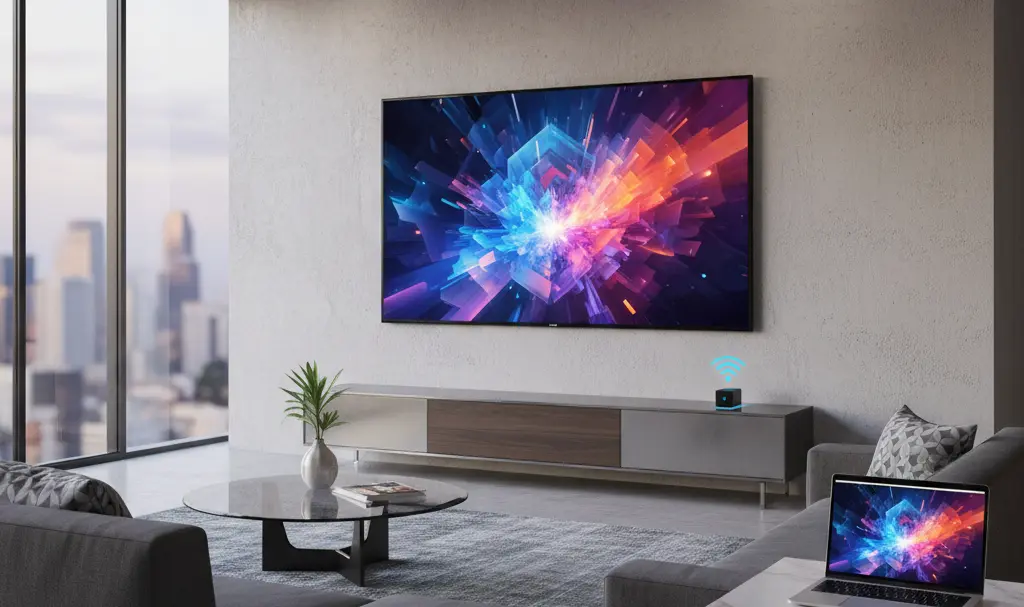
The primary factor contributing to the growing preference for wireless technologies over HDMI is convenience. Wireless transmission systems leverage high-speed networks to facilitate the seamless transfer of audio and video signals between two devices, such as a smartphone and a television. This means that in many situations, the need for HDMI cables to connect devices becomes obsolete.
So, what specific wireless technologies are making waves?
- Wi-Fi Direct: This allows devices to connect directly to each other without the need for an intermediate router, creating a dedicated peer-to-peer network for content sharing.
- Streaming Devices (e.g., Chromecast): These small dongles or built-in functionalities allow you to cast content from your smartphone, tablet, or computer to your TV over your existing Wi-Fi network.
- Miracast Standard: Often referred to as “screen mirroring,” Miracast enables you to wirelessly duplicate your device’s display onto a larger screen, making it ideal for presentations or sharing media.
- AirPlay: Apple’s proprietary wireless technology allows users to stream audio, video, and photos from Apple devices (iPhone, iPad, Mac) to AirPlay-enabled speakers and smart TVs.
Advantages of Wireless Transmissions Over HDMI
As you might expect, the most significant advantage making wireless technologies more convenient than HDMI is the complete absence of cables. This eliminates clutter and offers greater flexibility in device placement.
Beyond cable-free convenience, modern wireless transmissions now deliver high-quality video, often supporting resolutions up to 4K, along with pristine audio. Furthermore, they boast impressive range, sometimes exceeding 30 meters (approximately 100 feet), providing flexibility across different rooms. The simplicity of these systems also stands out, enabling quick data transfer from mobile devices like smartphones and laptops.
Many contemporary Smart TVs come with built-in support for popular wireless systems such as Chromecast and AirPlay right out of the box. While the quality of a wireless transmission might occasionally be slightly inferior to a direct HDMI cable connection, this difference isn’t always significant for every user. For many, the aesthetic appeal of minimized cabling and overall convenience often outweighs minor potential quality variations.
When HDMI Still Reigns Supreme
It’s important to acknowledge that there are still several scenarios where an HDMI cable offers a distinct advantage over wireless technologies. A prime example is online gaming, where the demanding nature of competitive play necessitates extremely low latency in video transmission to ensure a responsive and enjoyable experience.
Additionally, a physical HDMI cable (assuming it’s undamaged) provides a near 100% guarantee of stable image transmission from devices like computers or home theater systems. This level of reliability can be less certain with wireless signals, which are susceptible to interference and connection drops.
Switching from HDMI to Wireless: What to Consider
Before you decide to replace your traditional HDMI cables with wireless technology, there are several crucial aspects to consider:

- Network Quality: If your home Wi-Fi network is weak or inconsistent, the transmitted video and audio might experience delays, buffering, or drops. A robust network is essential for a smooth wireless experience.
- Interference: Wireless signals can be disrupted by physical obstacles such as walls, furniture, or even other electronic devices operating on similar frequencies. Position your devices optimally to minimize interference.
- Compatibility: Before attempting to establish a connection, ensure that both your source device (e.g., smartphone) and your display device (e.g., TV) support the same wireless transmission technologies.
- Battery Consumption: Prolonged wireless streaming can significantly drain the battery life of connected mobile devices. Keep this in mind for extended viewing sessions.
Today, many households no longer possess additional devices like Blu-ray players connected to their televisions, having largely replaced them with streaming services. However, if you are a dedicated gamer or demand exceptional, uncompromised audio and video quality, HDMI remains the optimal choice for your setup.
Frequently Asked Questions (FAQ)
What is the primary benefit of wireless video transmission over HDMI cables?
The main advantage of wireless video transmission is convenience, primarily due to the elimination of physical cables. This reduces clutter, simplifies setup, and offers greater flexibility in device placement, enhancing the overall aesthetic of your entertainment area.
Can wireless transmission achieve 4K resolution and high-quality audio?
Yes, modern wireless transmission technologies are capable of delivering high-quality video resolutions, including 4K, along with excellent audio fidelity. While a direct HDMI connection might offer a slight edge in some specific high-bandwidth scenarios, for most users, the wireless experience provides a perfectly satisfactory and often indistinguishable quality.
When is HDMI still the better choice for home entertainment?
HDMI cables generally remain the superior choice for applications requiring ultra-low latency and maximum reliability. This includes competitive online gaming, where even a slight delay can impact performance, and professional home theater setups where guaranteed, uncompressed signal integrity for specialized audio/video equipment is paramount.
What factors can negatively impact wireless video streaming performance?
Several factors can affect wireless streaming performance. A weak or unstable Wi-Fi network is a common cause of buffering and delays. Physical obstructions like walls and furniture can interfere with signals, as can other electronic devices. Device compatibility is also crucial; both sending and receiving devices must support the same wireless protocols for a stable connection. Lastly, continuous streaming can lead to faster battery drain on mobile source devices.
Source: Todo Noticias. Opening photo: Sergey / Adobe Stock
About Post Author
