

Contents
Telegram Returns to Wear OS: Enhanced Messaging Experience on Your Smartwatch
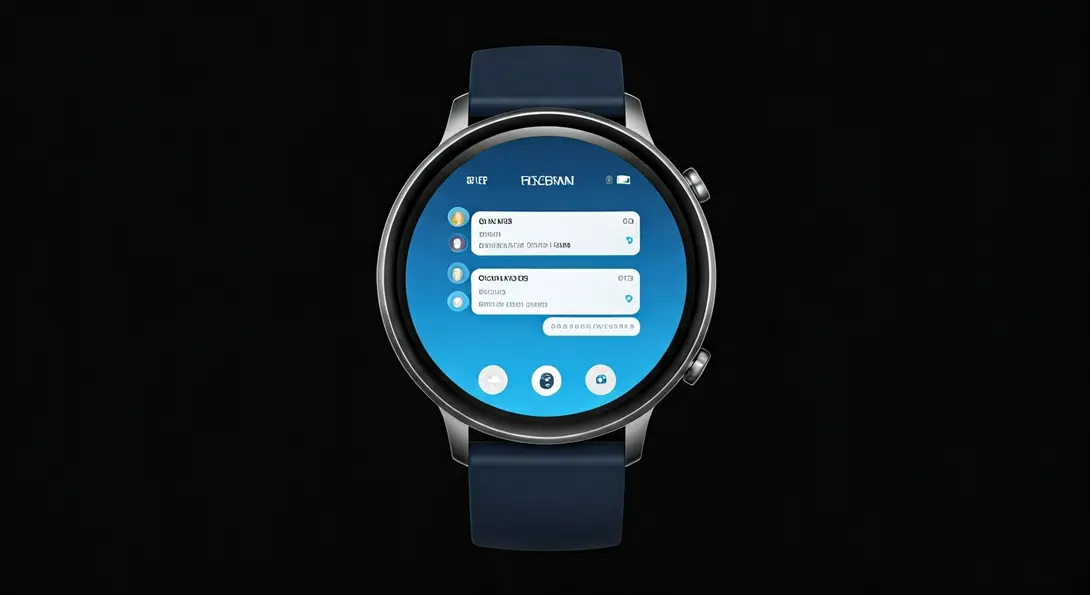
Telegram has officially made its highly anticipated return to Google’s Wear OS platform, bringing a new, dedicated application to smartwatches. This significant update fills a long-standing gap, offering users a rich and integrated messaging experience directly from their wrist.
For a considerable period, users of smartwatches powered by Google’s operating system, such as those from Samsung or Google itself, could access various communication apps like WhatsApp. However, Telegram had been notably absent from the Wear OS ecosystem since 2021. That situation has now changed, much to the delight of its user base.
The Comeback Story: Fixing a Past Oversight
The new Telegram application for Wear OS rectifies an issue dating back to 2021 when the messaging giant completely discontinued its previous watch-specific version. Developers have diligently worked to integrate numerous functionalities from the standard, full-fledged Telegram application into this smartwatch version. This includes beloved features like:
- Full chat history access
- Ability to send and receive messages
- Customizable chat backgrounds, allowing for a personalized look
- Voice message support
- Sticker and emoji access
Seamless Communication, Intuitive Design
The new Wear OS app boasts a thoughtfully designed interface, ensuring that navigating through conversations and even very large groups is exceptionally straightforward and intuitive. A key enhancement is the inclusion of a prominent “Open on Phone” button within chats. This feature allows users to instantly open a specific conversation on their paired smartphone, making it considerably easier to read longer messages or compose detailed replies on a larger screen.
This integration reflects a commitment to providing flexibility, allowing users to switch between devices seamlessly based on their immediate needs. Whether it’s a quick reply from the wrist or a more involved conversation on the phone, Telegram on Wear OS enhances the overall user experience.
How to Install Telegram on Your Wear OS Smartwatch
The installation process for the Telegram app on Wear OS depends on your current participation in the messenger’s official testing program:
For Existing Beta Testers:
If you are already enrolled in Telegram’s beta program, you can directly download and install the dedicated Wear OS version onto your smartwatch. This can be done conveniently from the Google Play Store, either via your smartphone or directly from your smartwatch’s Play Store interface.
For New Users Joining the Beta:
If you’re not yet a beta tester, you’ll need to join the program first. Follow these simple steps:
- On your smartphone, open the Google Play Store.
- Search for the Telegram application.
- On the Telegram app page, locate and confirm your desire to join the beta program.
- After a brief period, your account will be assigned to the beta tests.
- Once enrolled, you can then proceed to install the software on your smartwatch via the Google Play Store.
It’s important to remember that as a beta version, there might be occasional bugs or features still under development. However, joining the beta allows you early access to new functionalities and the opportunity to provide feedback that helps shape the final product.

Why This Update Matters for Wear OS Users
The return of Telegram to Wear OS is a significant development for smartwatch users, enhancing the utility and appeal of devices running Google’s operating system. It brings another major messaging platform to the wrist, improving connectivity and ensuring users can stay in touch without constantly reaching for their phone.
While you’re ensuring your smartwatch apps are up-to-date, it’s also a good time to check on other critical updates and tips for optimal device performance. For instance, if you own a Google Pixel Watch, you might be interested in a recent solution addressing common step-counting inaccuracies: Fixing Google Pixel Watch Step Overcounting. Similarly, Galaxy Watch 4 users should prioritize installing important security updates to maintain optimal performance and security: Galaxy Watch 4 Important Security Update Installation Guide. Keeping all your smartwatch software current ensures the best experience.
Frequently Asked Questions (FAQ)
Why was Telegram unavailable on Wear OS for so long?
Telegram discontinued its previous Wear OS application in 2021, leaving a gap in its smartwatch support. This new beta version addresses that absence, bringing the popular messenger back to Google’s wearable platform with an improved experience.
What new features does the Wear OS Telegram app offer?
The new app brings many features from the full Telegram experience, including full chat history, sending/receiving messages, voice messages, stickers, emojis, and even customizable chat backgrounds. It also includes a handy “Open on Phone” button for seamless transitions between devices.
Is the new Telegram app available to all Wear OS users immediately?
Currently, the new Telegram app for Wear OS is available through a beta program. Existing beta testers can install it directly. Other users need to first join the Telegram beta program via the Google Play Store on their smartphone before they can download and install the app on their smartwatch.
Source: AndroidAuthority, Own work.
Opening photo: Gemini
About Post Author
